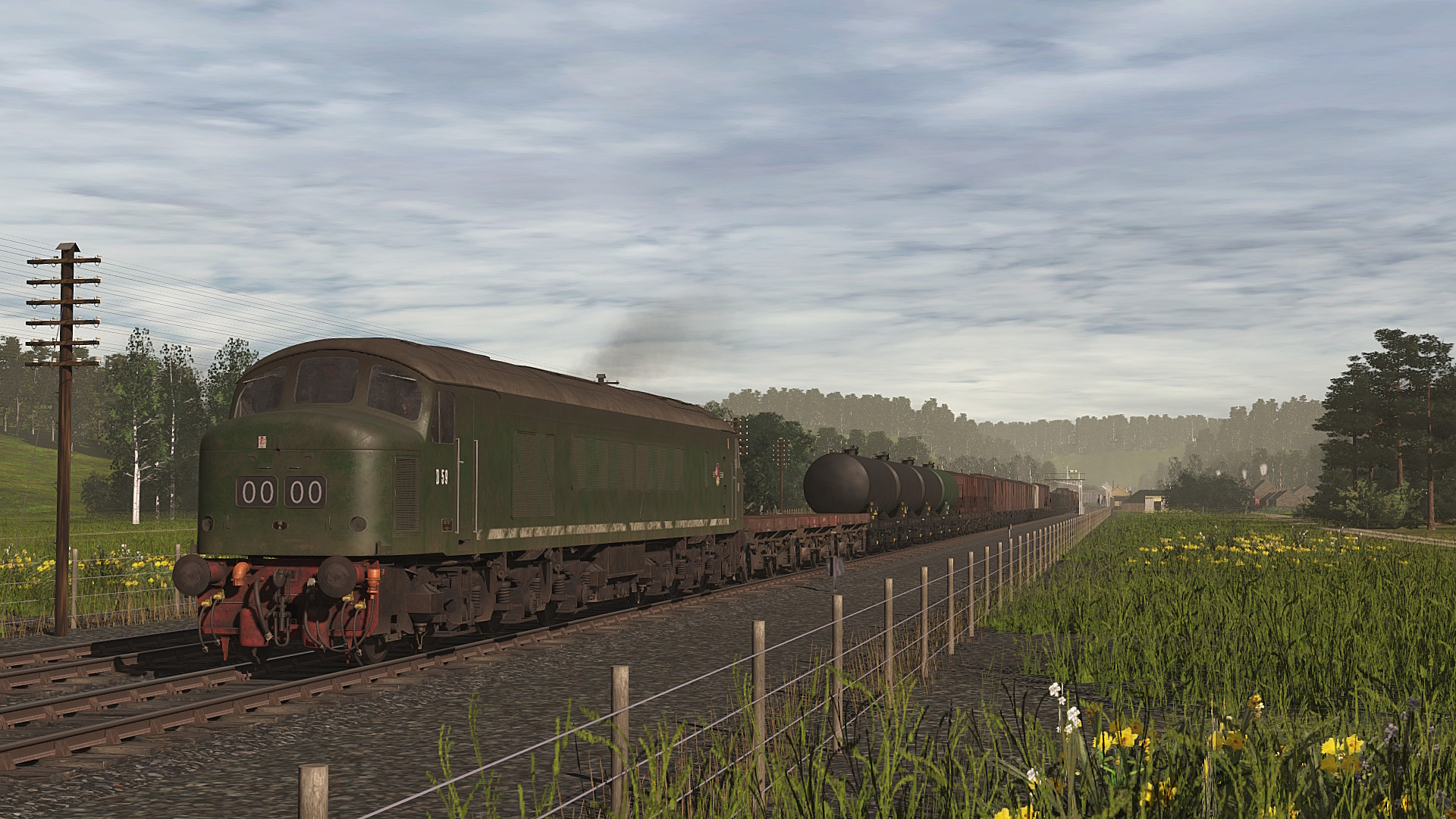
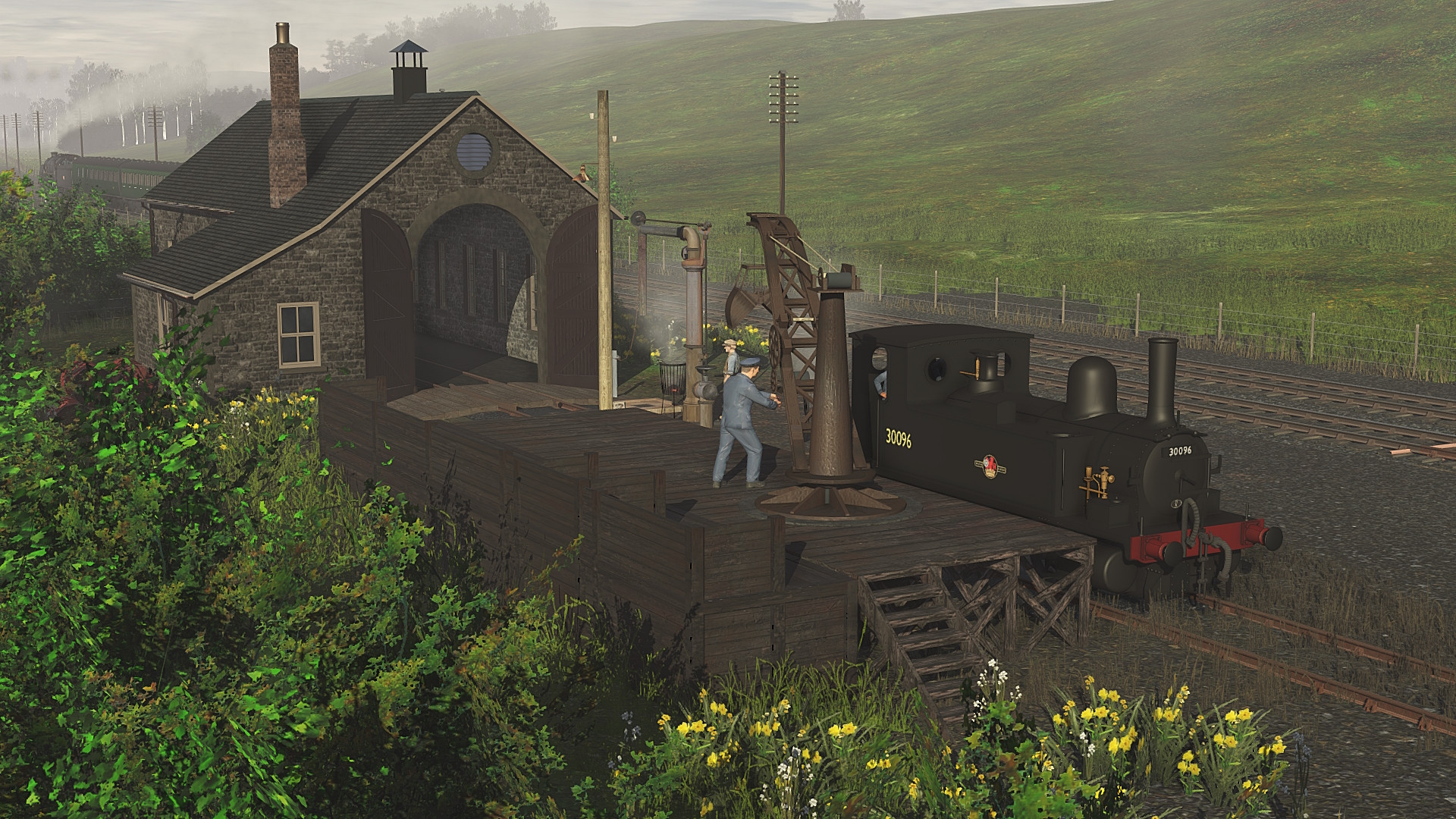
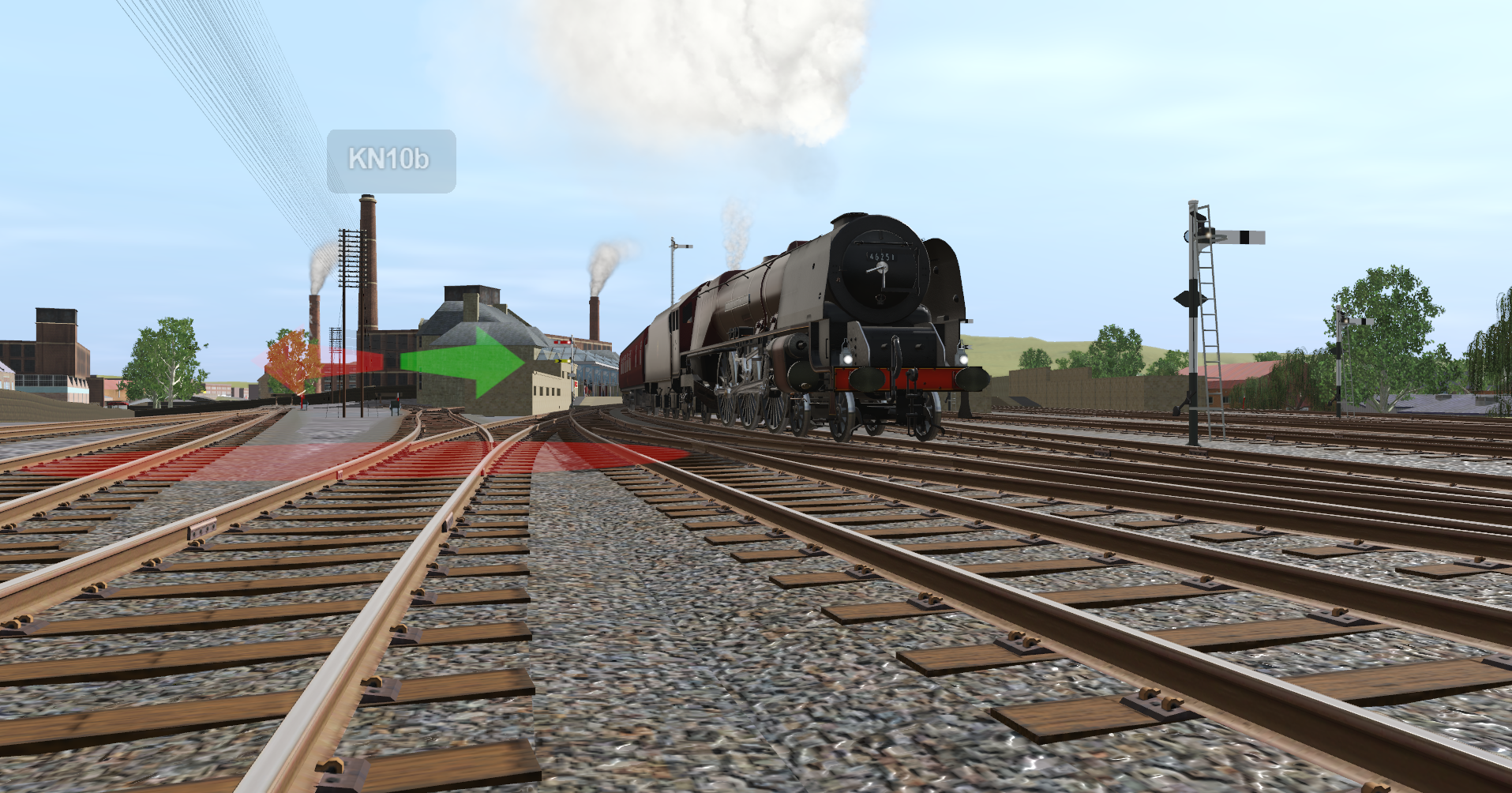
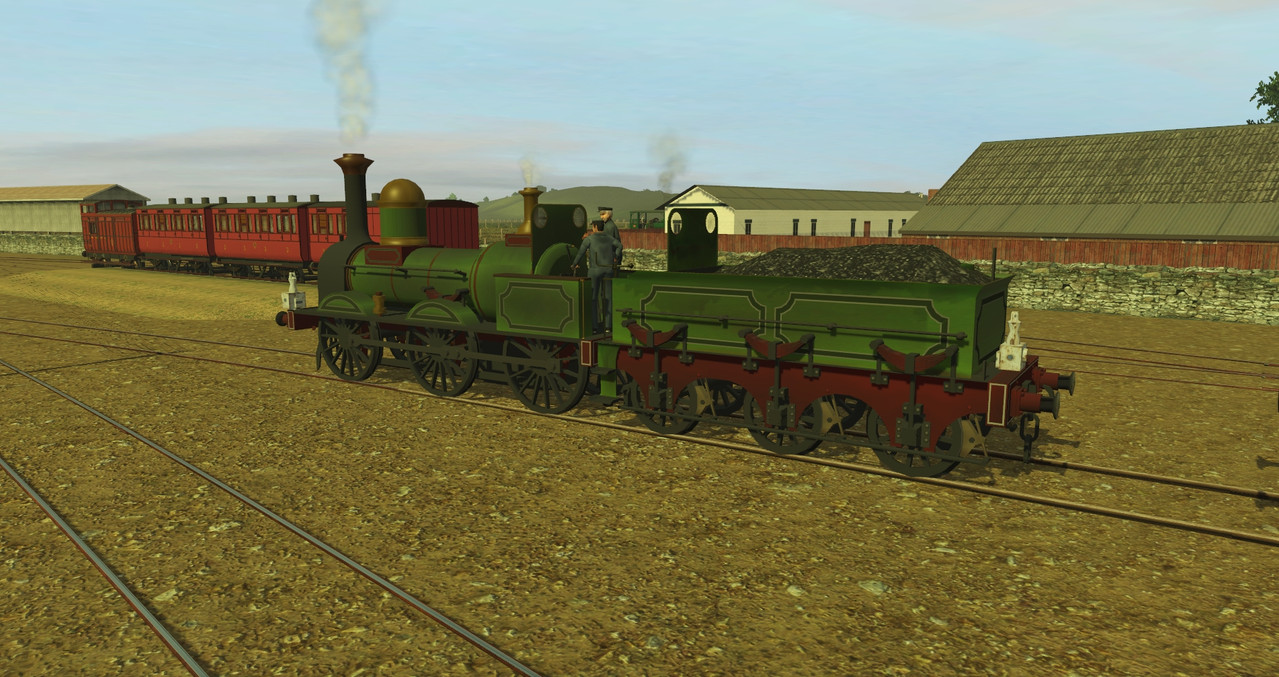
UK Screenshots for Pre BR Blue. High resolution warning.

@dundun92 Superb Joseph, both the locos and creosote wagons. Just the sort of quality UK content needed, not payware 40's with the wrong cab. Anyway of removing the red lamp at the front of the loco, please.
Mike.
Hi Mike. From your image it looks like the script library is broken for some reason, as I dont see headcodes or AWS lit in the cab. Also the switches on the upper left roof corner should control the marker lights and headcode lights. Try reinsitalling the WagonX script library from the DLS, and delete prior obsolete versions of it.
 
Last edited:
@dundun92 Superb Joseph, both the locos and creosote wagons. Just the sort of quality UK content needed, not payware 40's with the wrong cab. Anyway of removing the red lamp at the front of the loco, please.

2026-02-28-145226.jpg


2026-02-28-145547.jpg


2026-02-28-145635.jpg


2026-02-28-145724.jpg


2026-02-28-145751.jpg


2026-02-28-150310.jpg


2026-02-28-150628.jpg


2026-02-28-150643.jpg


2026-02-28-150755.jpg


2026-02-28-151035.jpg


Mike.
Just reverse the direction of the engine and that makes it go away.
 
Hi Mike. From your image it looks like the script library is broken for some reason, as I dont see headcodes or AWS lit in the cab. Also the switches on the upper left roof corner should control the marker lights and headcode lights. Try reinsitalling the WagonX script library from the DLS, and delete prior obsolete versions of it.
Thank you Joseph appreciate the help buddy. Headcode was nulled as i am am purely WR and do not know head codes for other regions. AWS was functional Joseph thank you.

Cheers henryoldshape, thanks for replying. Nice piccies buddy.
 
@dundun92 Sorry to be a pain Joseph. When i resumed the session, the lamp was gone. But when i switched on the lights with the cab switches it re-appeared. Then it could not be removed by switching off.

The lamp is also affixed to the opposite corner on the rear of the loco. The only version of the WagonX script i have installed is the one that was installed with the loco yesterday buddy. <kuid2:661805:500008:3> JBV WagonX Script Library.

2026-03-01-120924.jpg


2026-03-01-121607.jpg


2026-03-01-121834.jpg


Mike.
 
This is one of many, favorite Routes to play, Colors, Track layout, everything is just so realistic. I had this on first version of TRS19, I installed on TRS22 tonight, just one Auran old asset missing, no big deal, I deleted it.

Thank you for upgrading it, and I especially like the 2Fiddle yards one on each end to hold several Consists. Great idea.
Thanks for this! I'm pleased I got Lavenham upgraded to TRS22 and uploaded. Here's a contrast: first pic created in June 2013 and the second in February 2026. Same idea - J39 on empty minerals - and virtually same location. First in TS12, second in TRS22. Interesting contrast!

9175022899_65605b1287_b.jpg


55124004869_d759e4bf06_b.jpg
 
Hi Mike. From your image it looks like the script library is broken for some reason, as I dont see headcodes or AWS lit in the cab. Also the switches on the upper left roof corner should control the marker lights and headcode lights. Try reinsitalling the WagonX script library from the DLS, and delete prior obsolete versions of it.
There is a problem deleting older ‘obsolete’ WagonX Script Library versions when they have been packaged. Content Manager doesn’t allow it. I’m having bizarre intermittent AWS problems too.
 
@dundun92 Sorry to be a pain Joseph. When i resumed the session, the lamp was gone. But when i switched on the lights with the cab switches it re-appeared. Then it could not be removed by switching off.

The lamp is also affixed to the opposite corner on the rear of the loco. The only version of the WagonX script i have installed is the one that was installed with the loco yesterday buddy. <kuid2:661805:500008:3> JBV WagonX Script Library.

2026-03-01-120924.jpg


2026-03-01-121607.jpg


2026-03-01-121834.jpg


Mike.
I think I've found that if you toggle the direction of the loco back and forth the erroneous red lamp on the front disappears.
 
Last edited:
Back
Top