I started this post, because in my house hold nobody else is interested in trains (Trainz). Come on, if you are excited about the things you enjoy in life, you want to share it with someone. That said, I know there is a lot of train users that build from scratch. I merged a lot of routes over the past few years, some has a huge height difference and it forced me to build additional mountain passes to join the routs realistically. But that is how you learn.
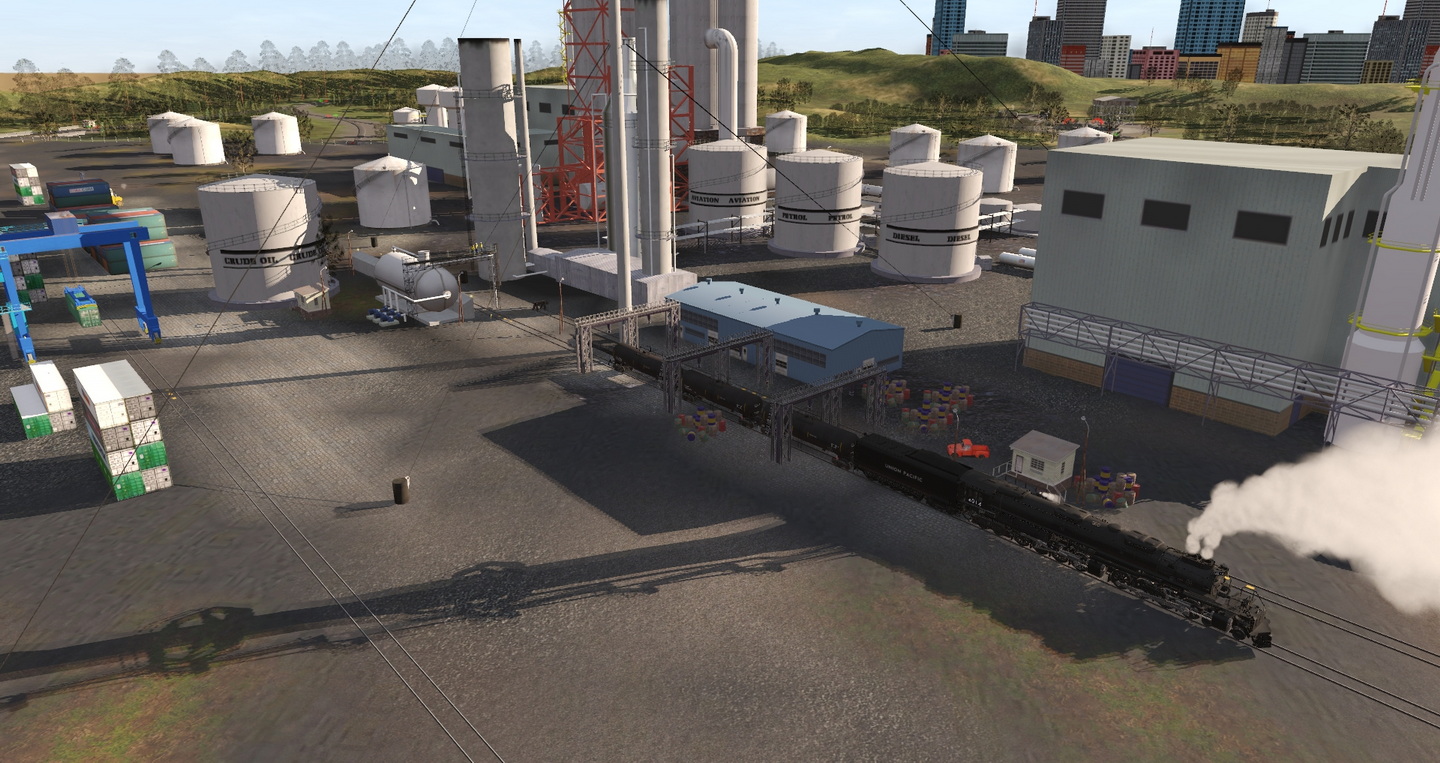
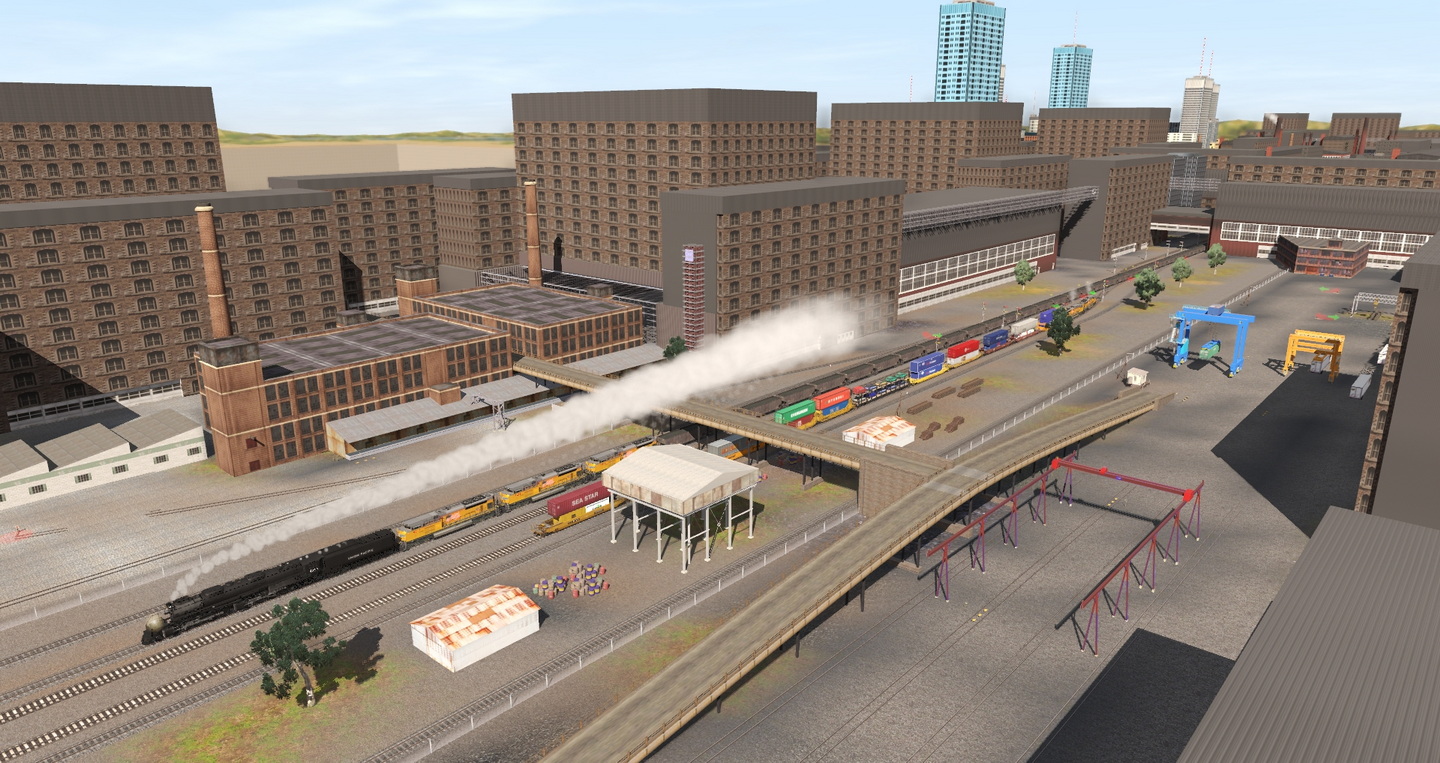
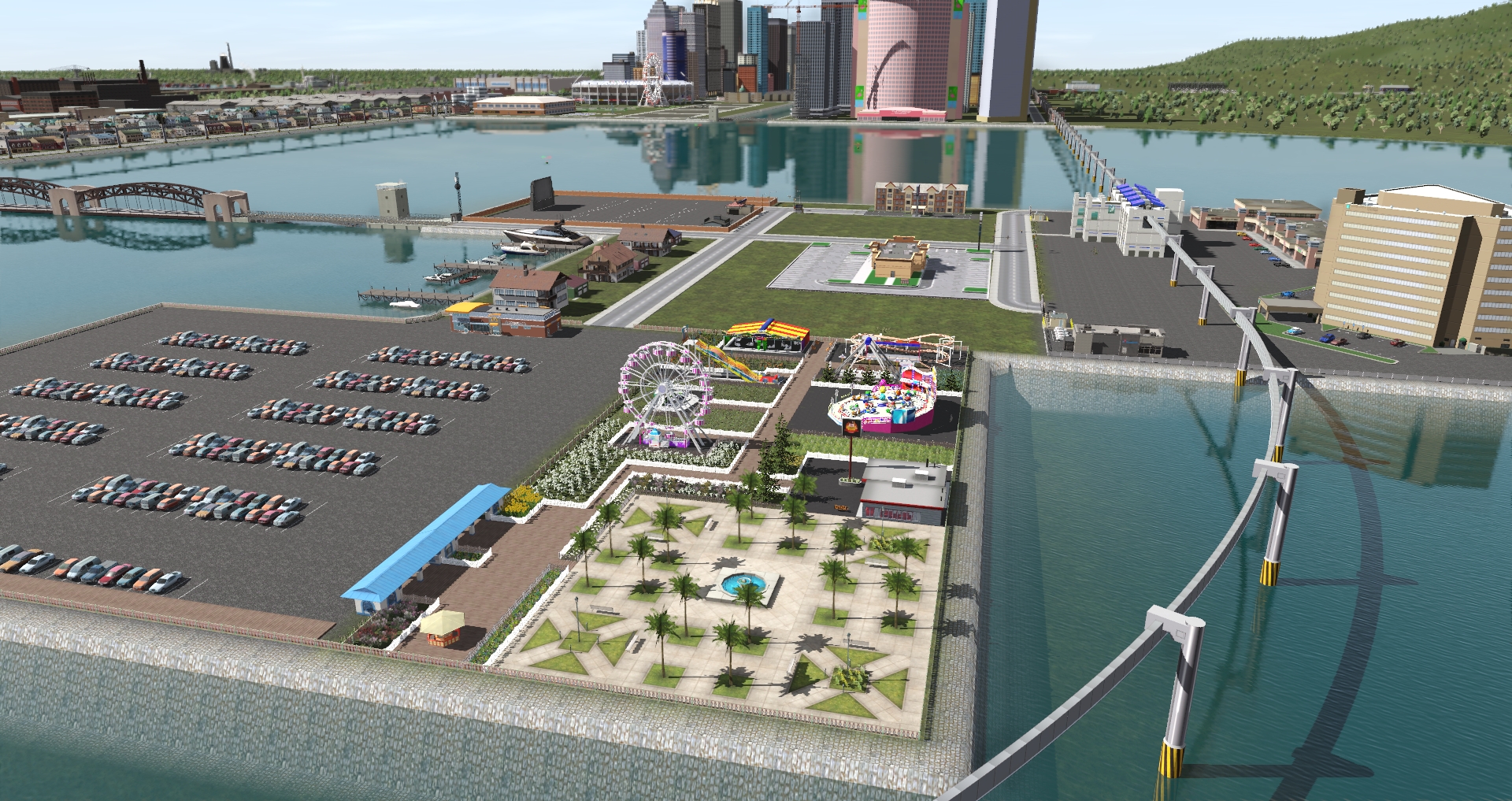
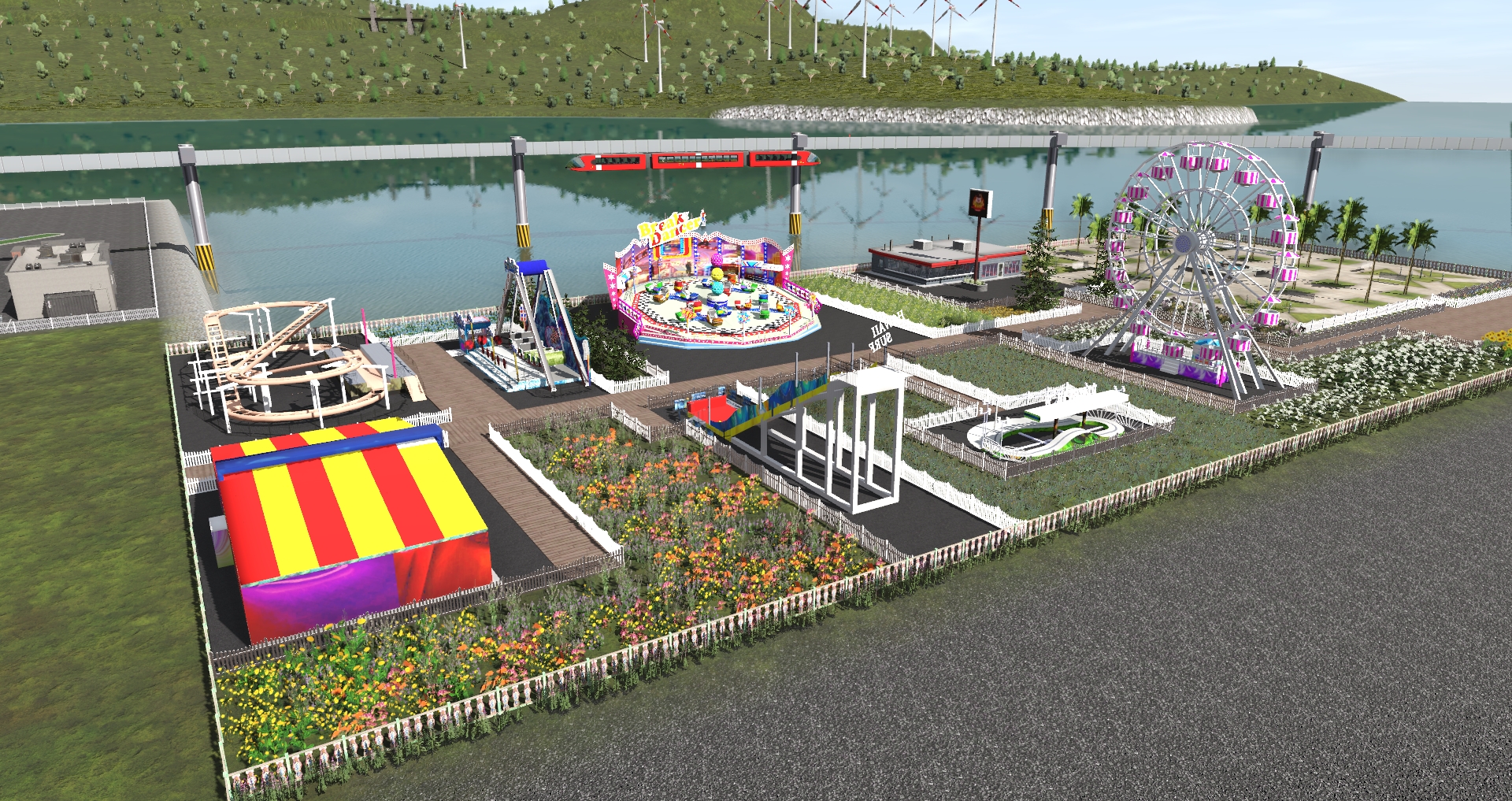
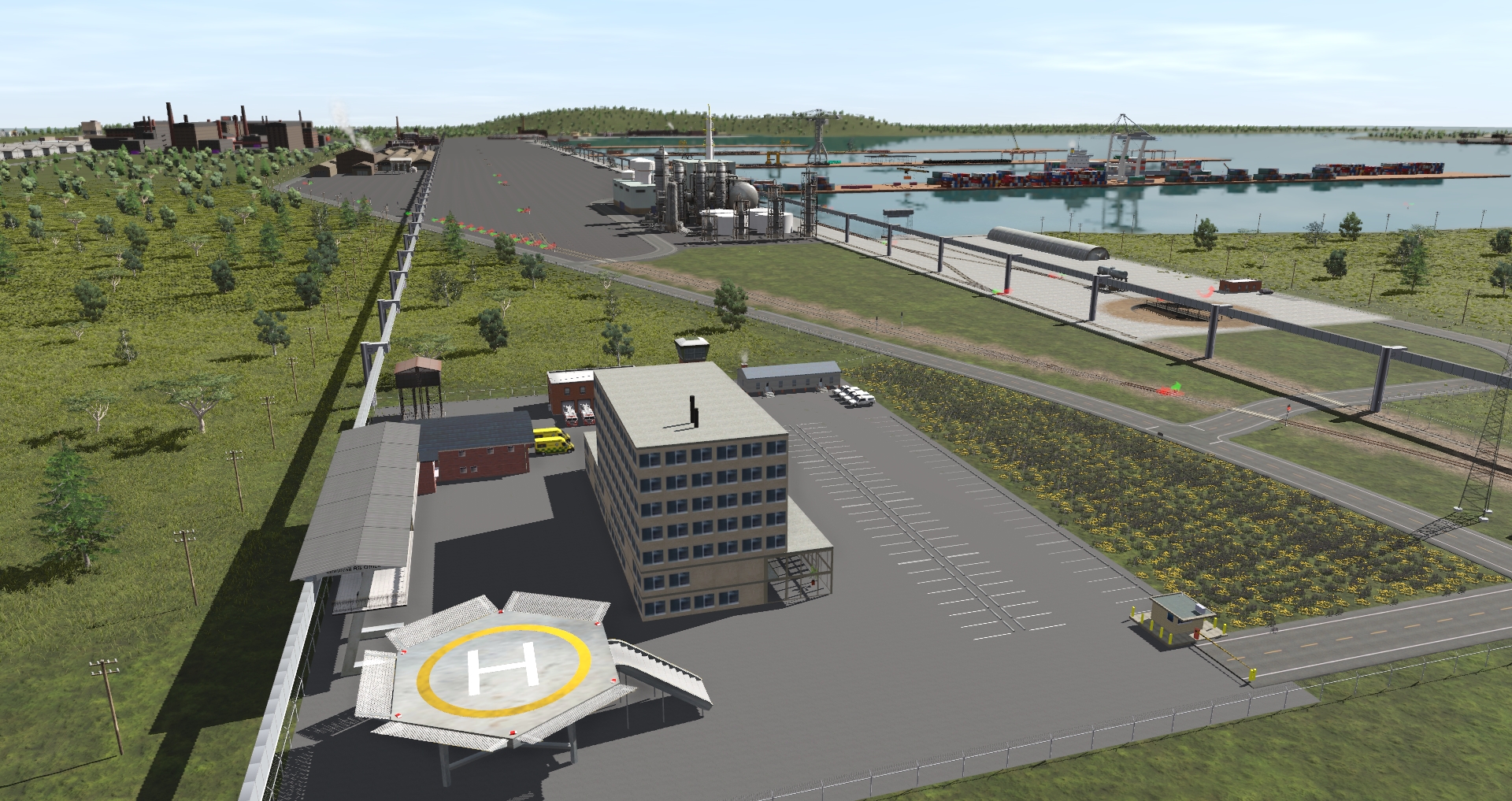
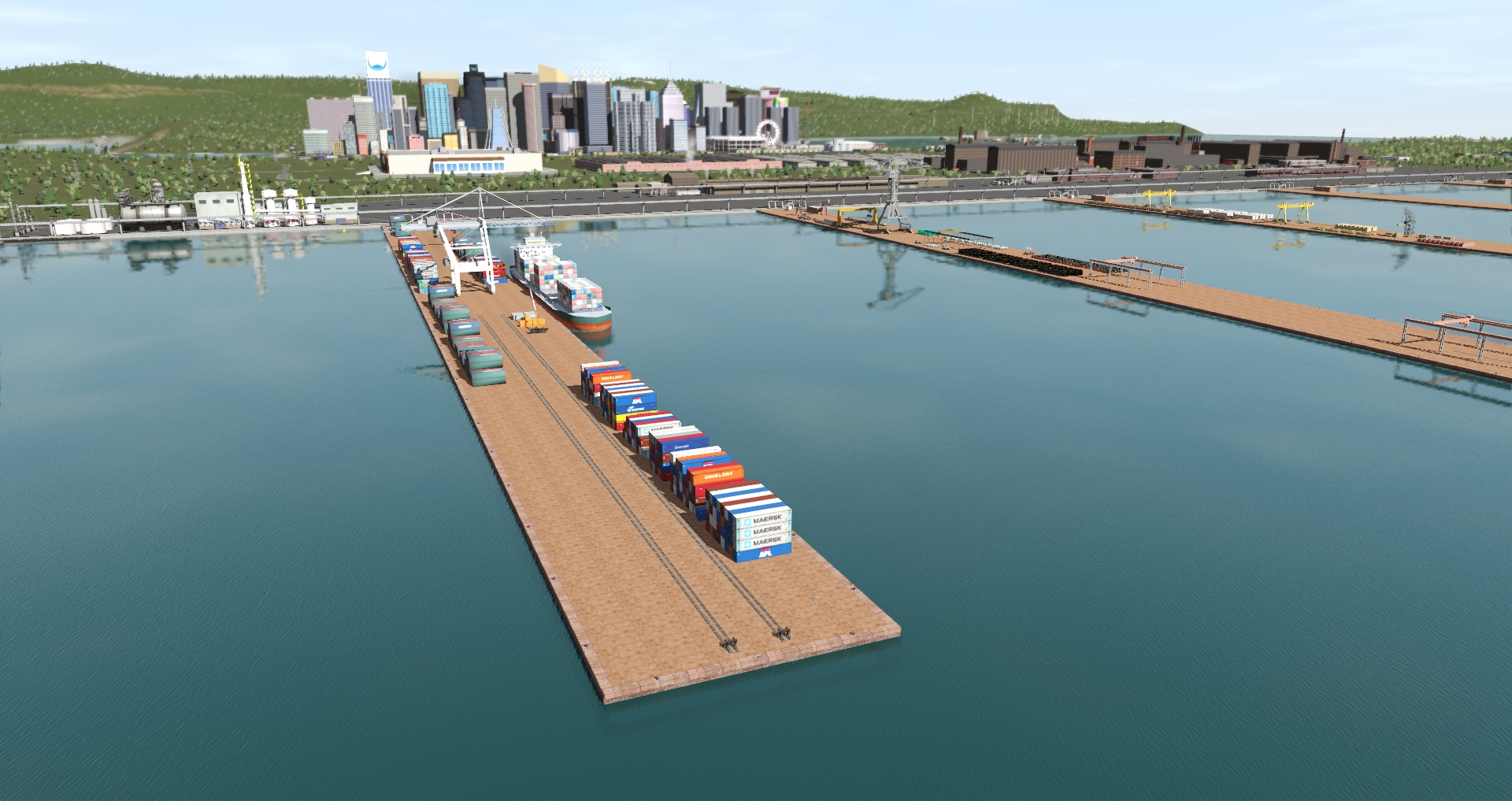
Here is my latest project.
As some of you know, I am a huge fan of Phil Skene’s routes
The Merge:
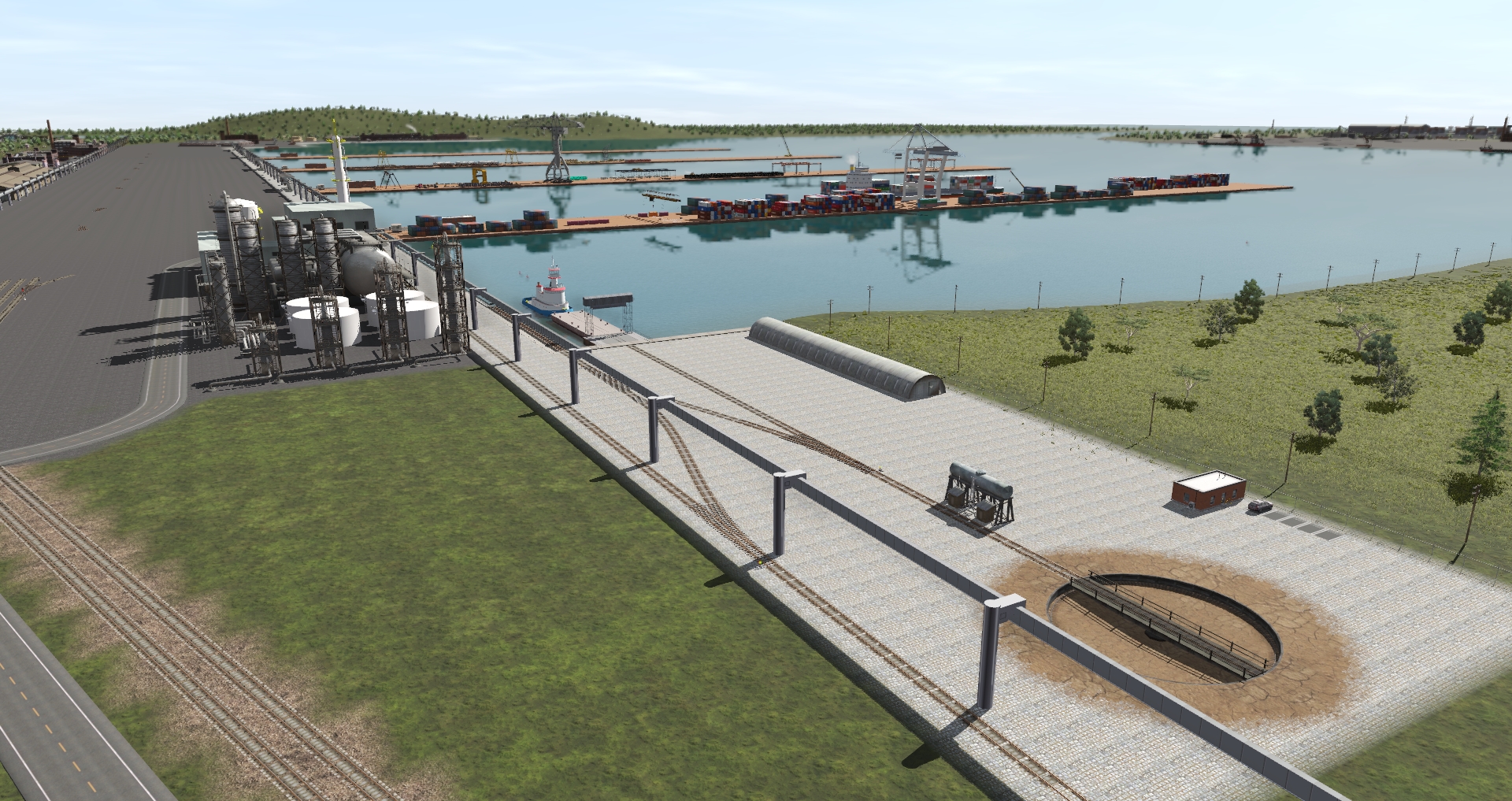
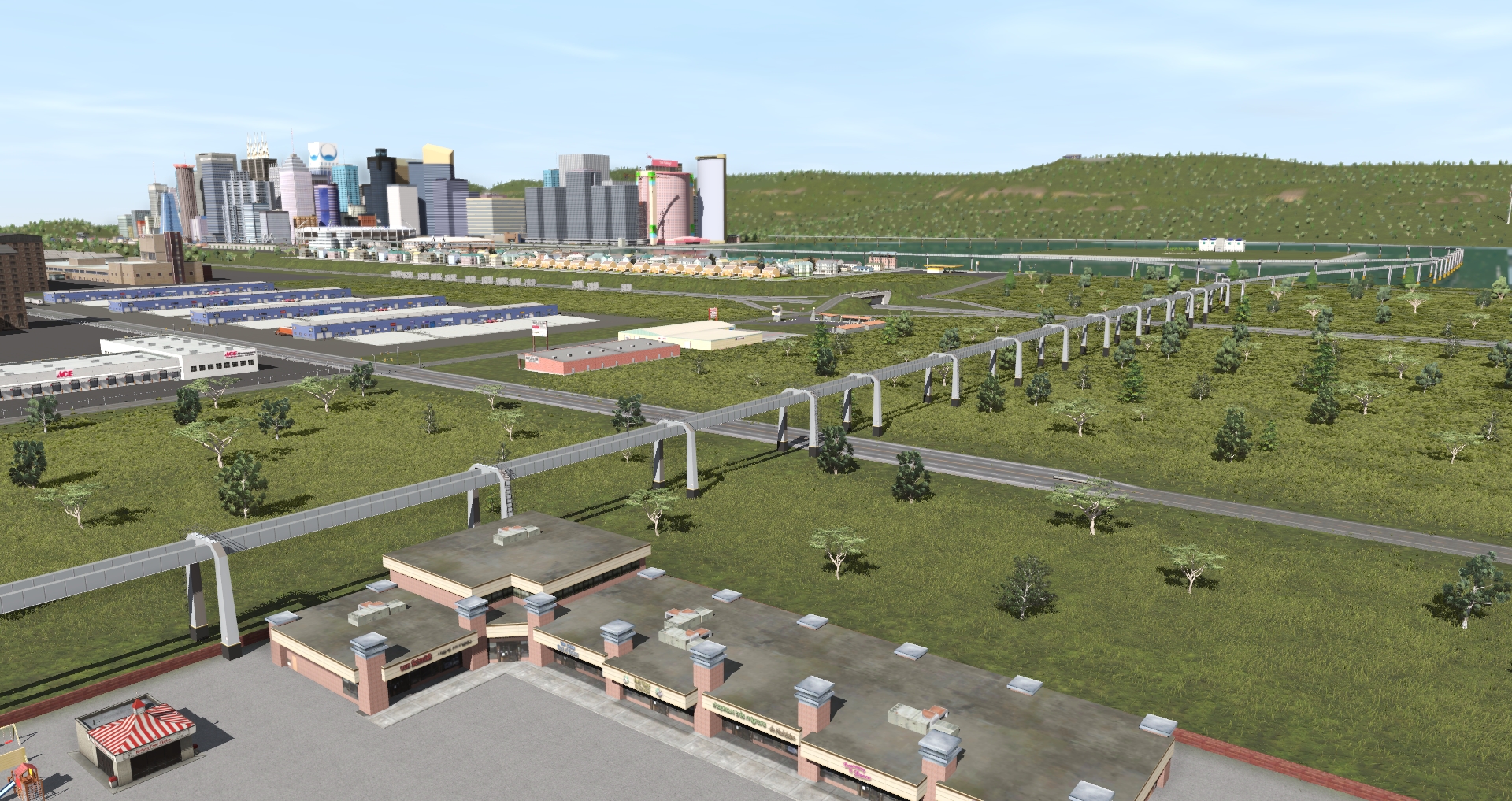
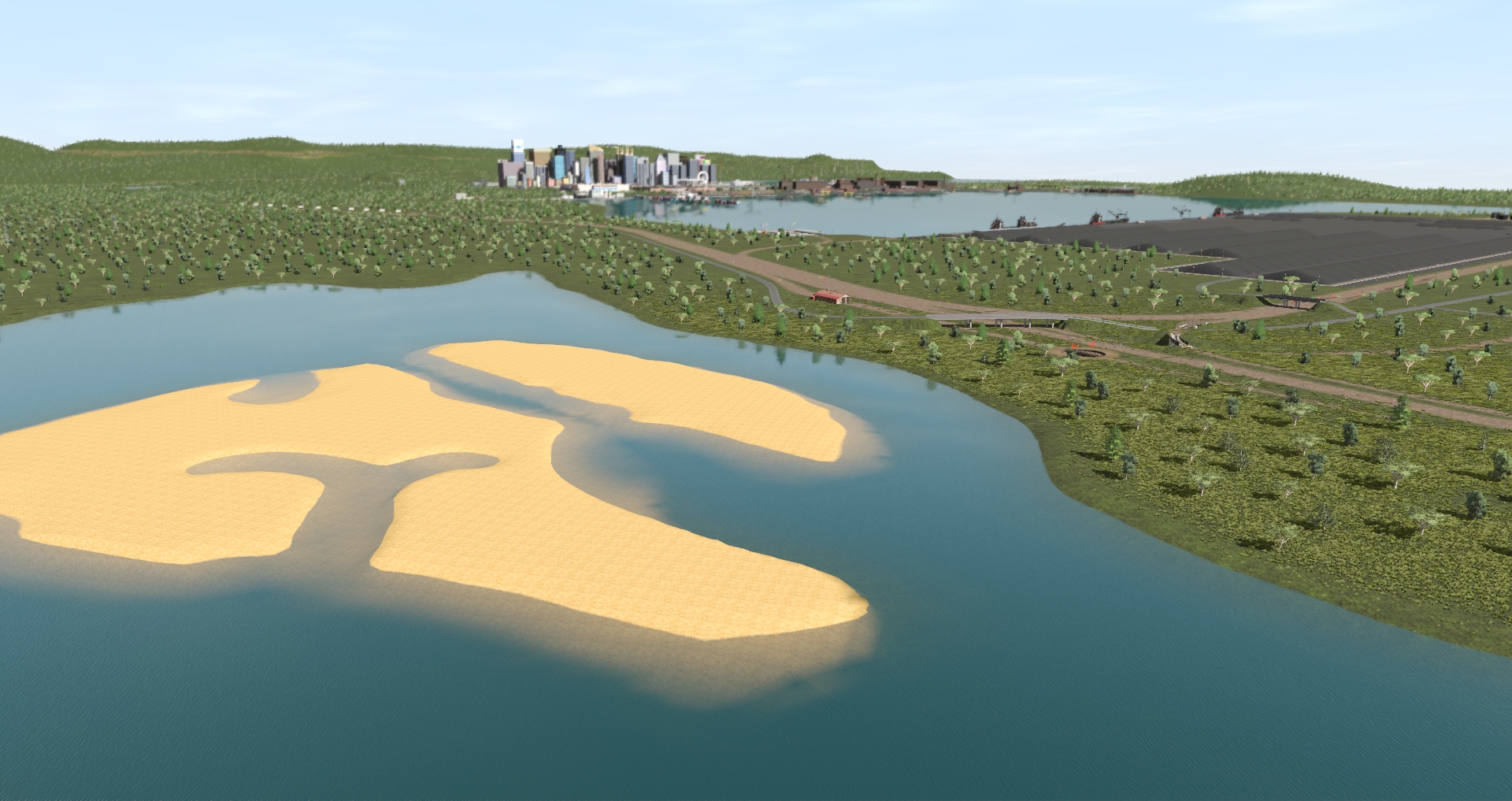
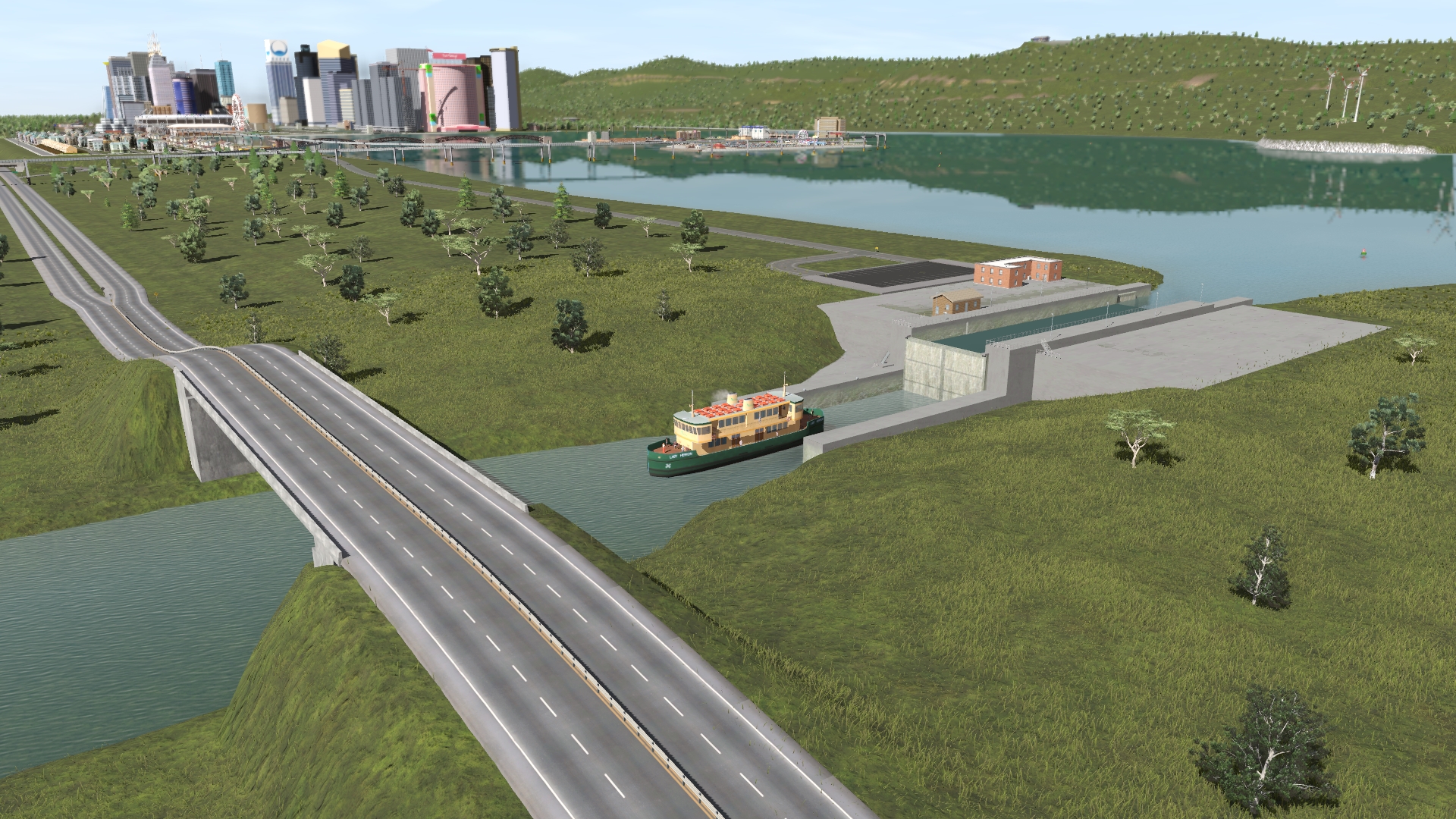
Port Ogden & Northern with the south section of BesideTheRiver and the rest of RiversideRailroadCo. The north section of RiversideRailroadCo (Diaspar) is Invercargill on IndustRail, so the merge there was perfect. The south section of BesideTheRiver fits perfectly at the northwest of Port Ogden & Northern, as with Austral Bay.

Port Ogden & IndustRail is for me still the best routes on Trainz, when you want so much possibilities to move commodities. Updating the quality should be easier with the new Surveyor 2.0, but that is for later. I am still using 90% of the time the classic surveyor.
I used Port Ogden & Northern 2a, IndustRail 2a, RiversideRailroadCo 3a, which is the last versions that still uses BI, BI2, LARS & ProtoLARS industries. I still prefer these industries, easier to setup. With the latest content manager, it is very easy to create your own, which I did. I created 25 different LARS & ProtLARS industries accordingly. I also change the ProtoLARS track from 10m to 20m
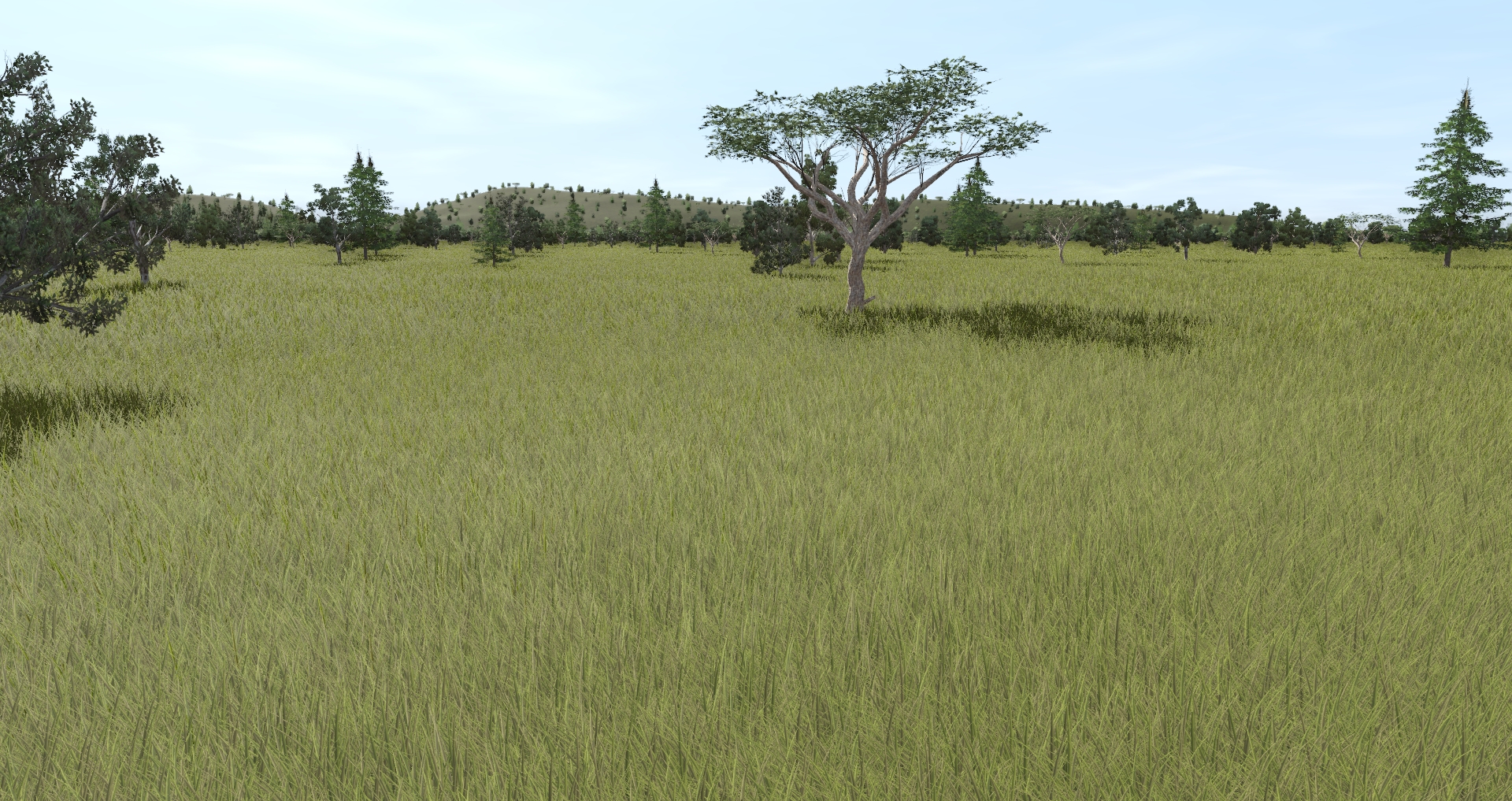
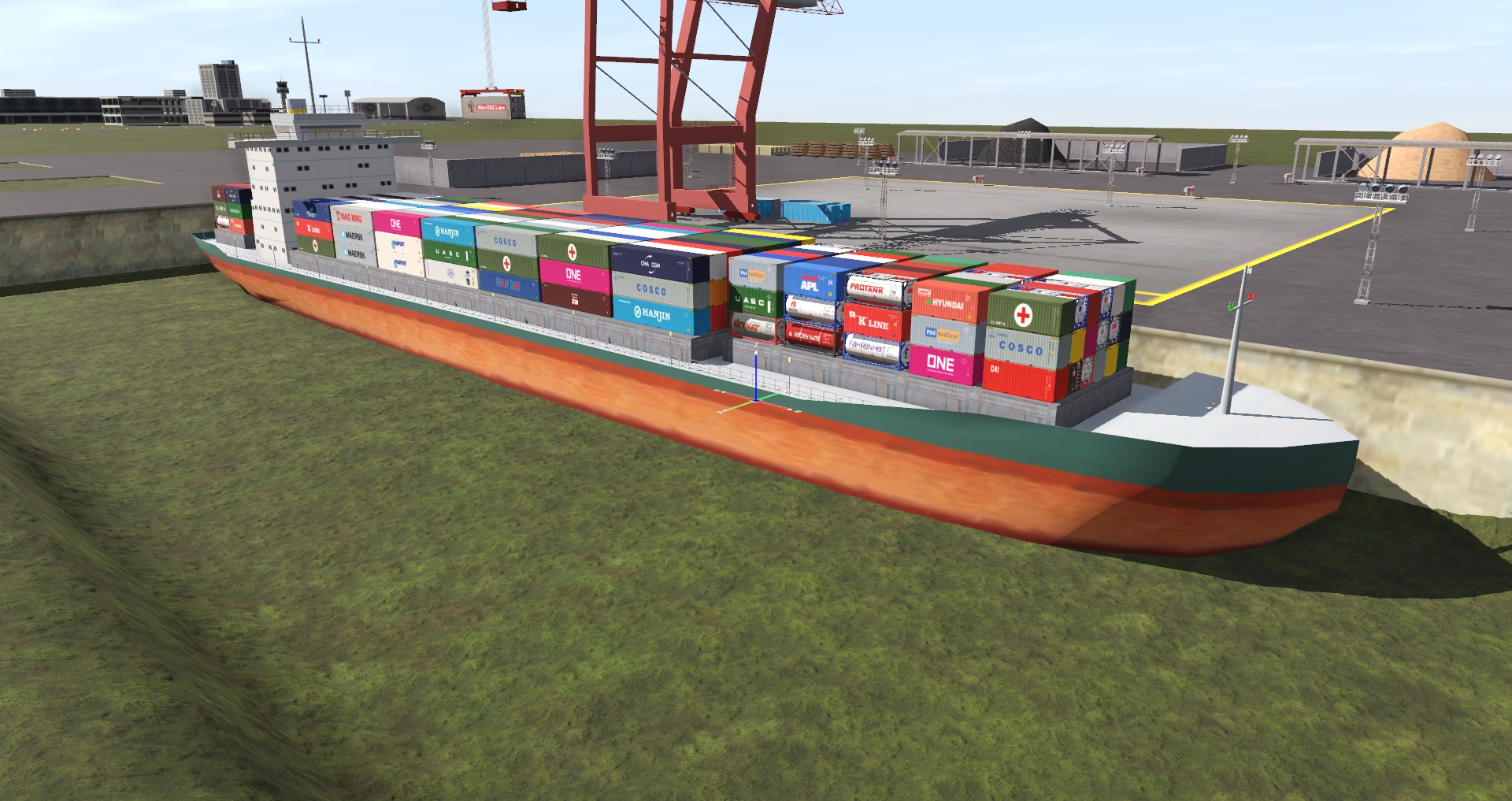
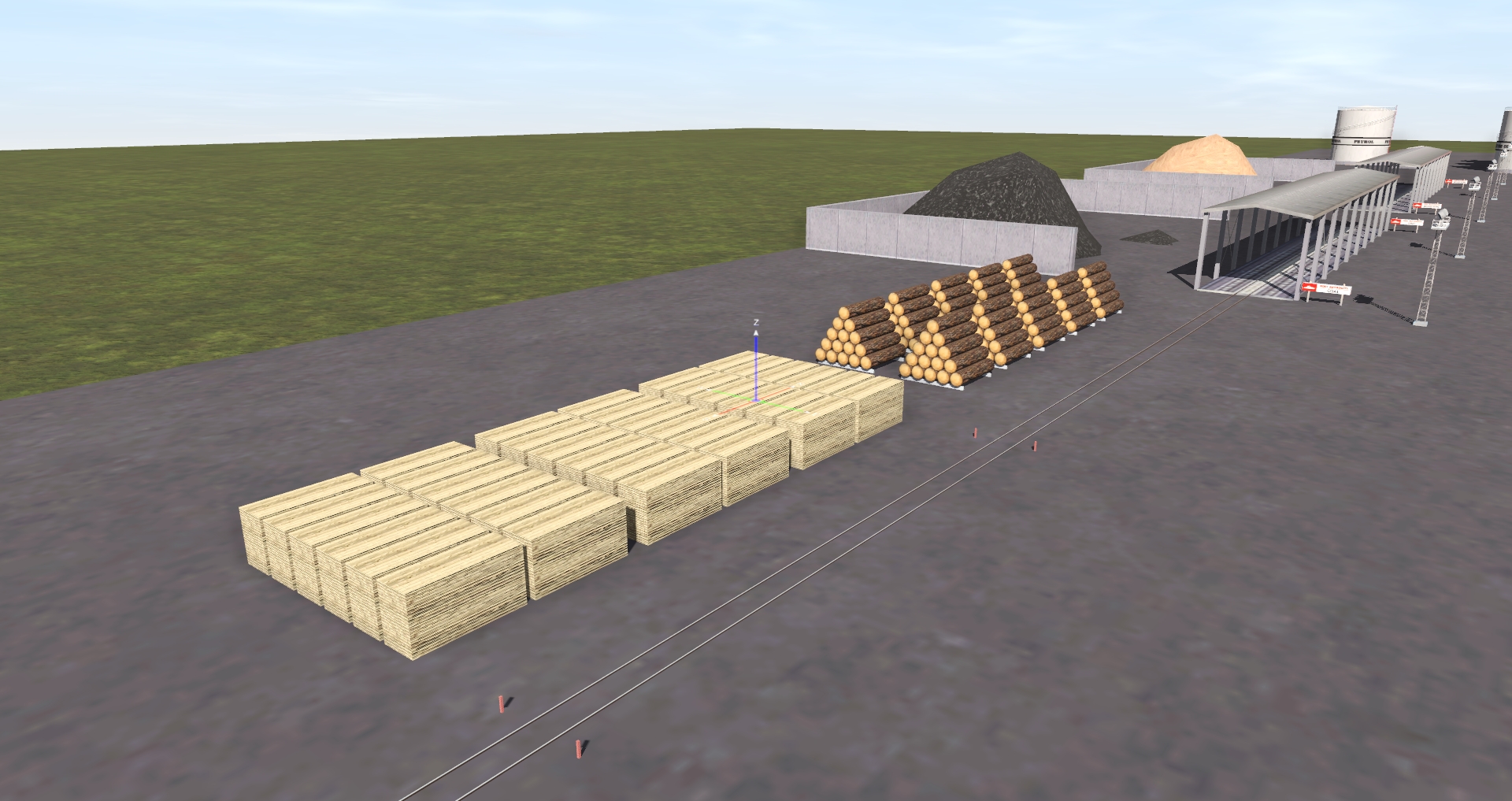
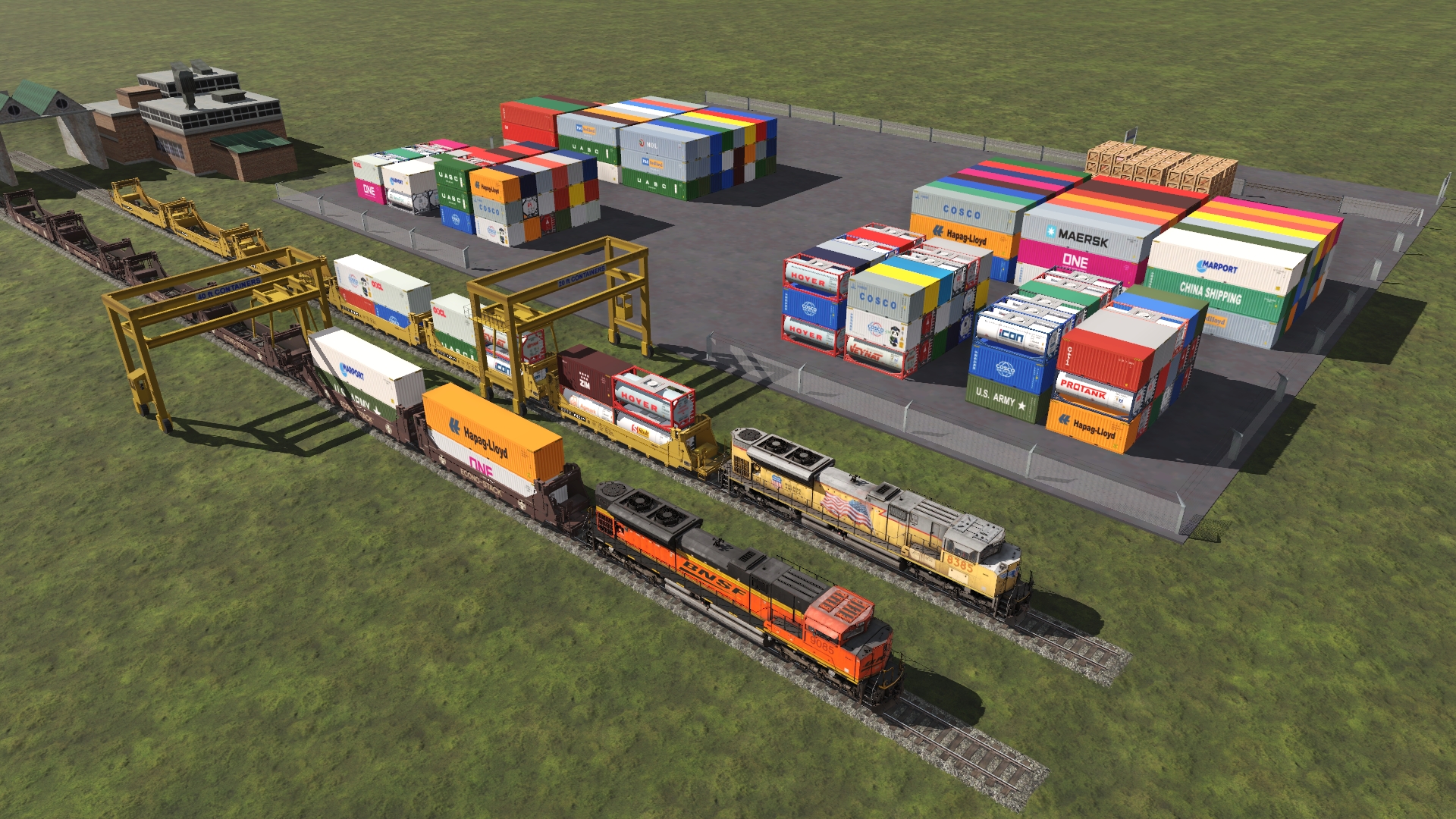
For example: Where there is a container wharf, I created a LARS / ProtoLARS with only containers. I replaced all the industries like that. I did about 10 hours of testing on all the industries, all working 100%. This merge has no glitches, the terrain is very good and all these has trees, maybe not the best, but is a good route to drive on.
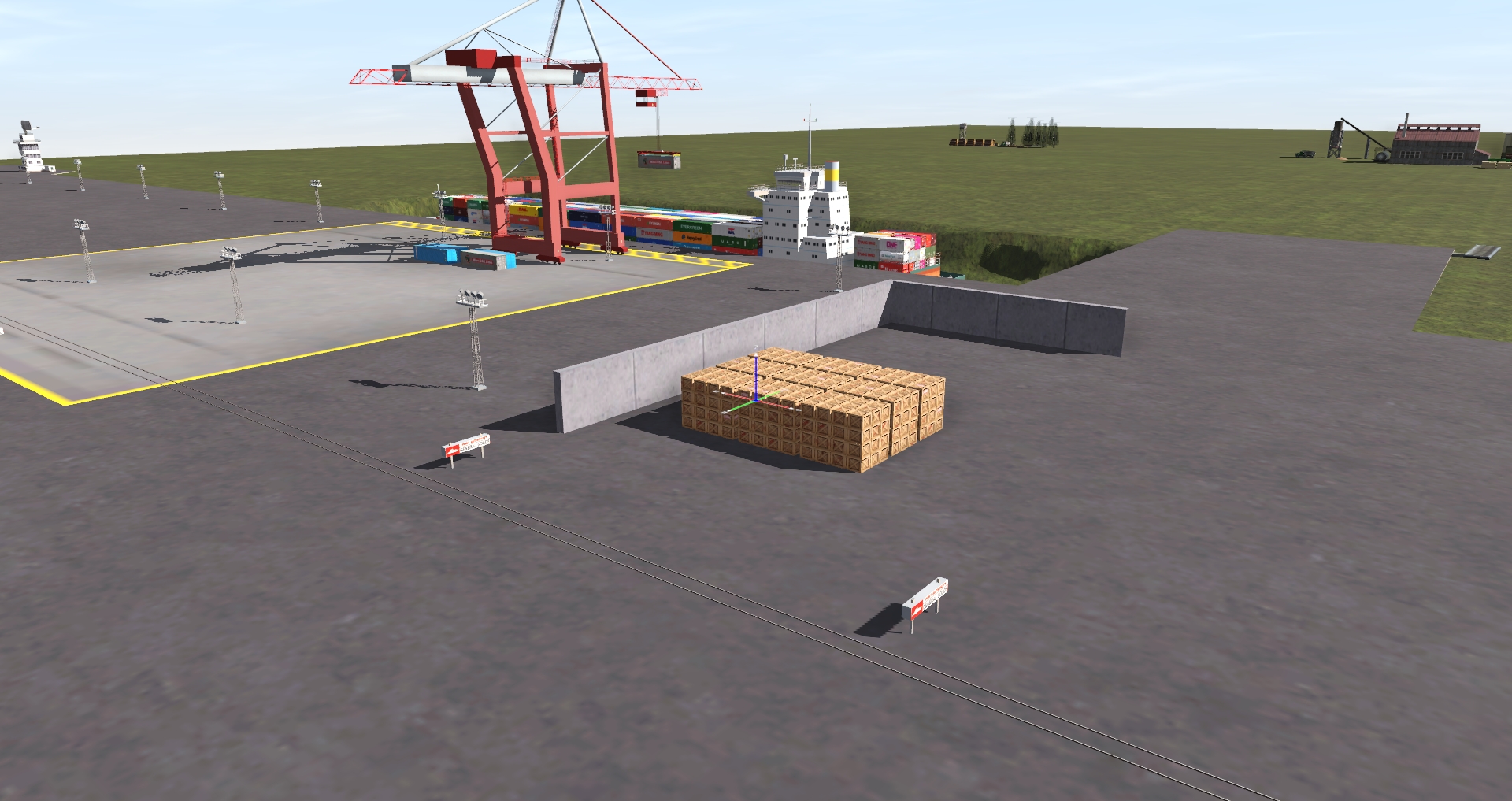
I created an all-new LARS Heavy Hauling (50 Commodities). I added this industry at:
Invercargill
Port Arthur
Dunedin
Lys
Ogden
Port Ogden South
VanDenH
Few commodities
<kuid:101046:106916> Caterpillar 980C Load Dep Flatcar DES
<kuid2:60238:11017:1> Aircraft EC-HH65 Dolphin Helicopter Product
<kuid2:97008:298494:2> Caterpillar980H Product
<kuid2:101046:101006:1> CAT Articulated Truck (Product)
<kuid2:101046:100999:1> John Deere Combine (Product 2) for Depressed Flatcar
<kuid2:56063:700039:4> Caterpillar Bulldozer D11R Product
<kuid2:56063:700040:4> Caterpillar Bulldozer D11R Push Frames and Blade Product
<kuid2:101046:100985:1> John Deere Combine with Tires Removed (Product)
<kuid:581273:102922> DYLT Heavy Machinery Tire Load
<kuid:581273:103445> DYLT I-Beam Stack Red
<kuid:212731:1000089> Heavy Ship Device (TRS)
<kuid2:173286:600000:1> gas generator
<kuid:101046:101025> Pipe Load 1 for Bulkhead Flatcar DES (Product)
<kuid:439337:109537> Fire Truck-SAP
<kuid:212731:1000087> Heavy machine (TRS)
<kuid:101046:101019> Large Steel Beams Load for Bulkhead Flatcar DES (Product)
<kuid2:101046:101083:1> Hydrogen Tanks (Product)
<kuid2:101046:105848:1> Wind Turbine Nodule Product DES
<kuid2:68213:60024:1> Loader Volvo L180C
<kuid:101046:106912> Transformer Product ver 1 DES
<kuid:101046:106915> Transformer Product ver 2 DES
<kuid2:101046:105821:1> Wind Turbine Product Blade DES
To load on these cars:
Schnabel
Flatcar Depressed Center 55 ft TTX DES
370 ton flat
and many more
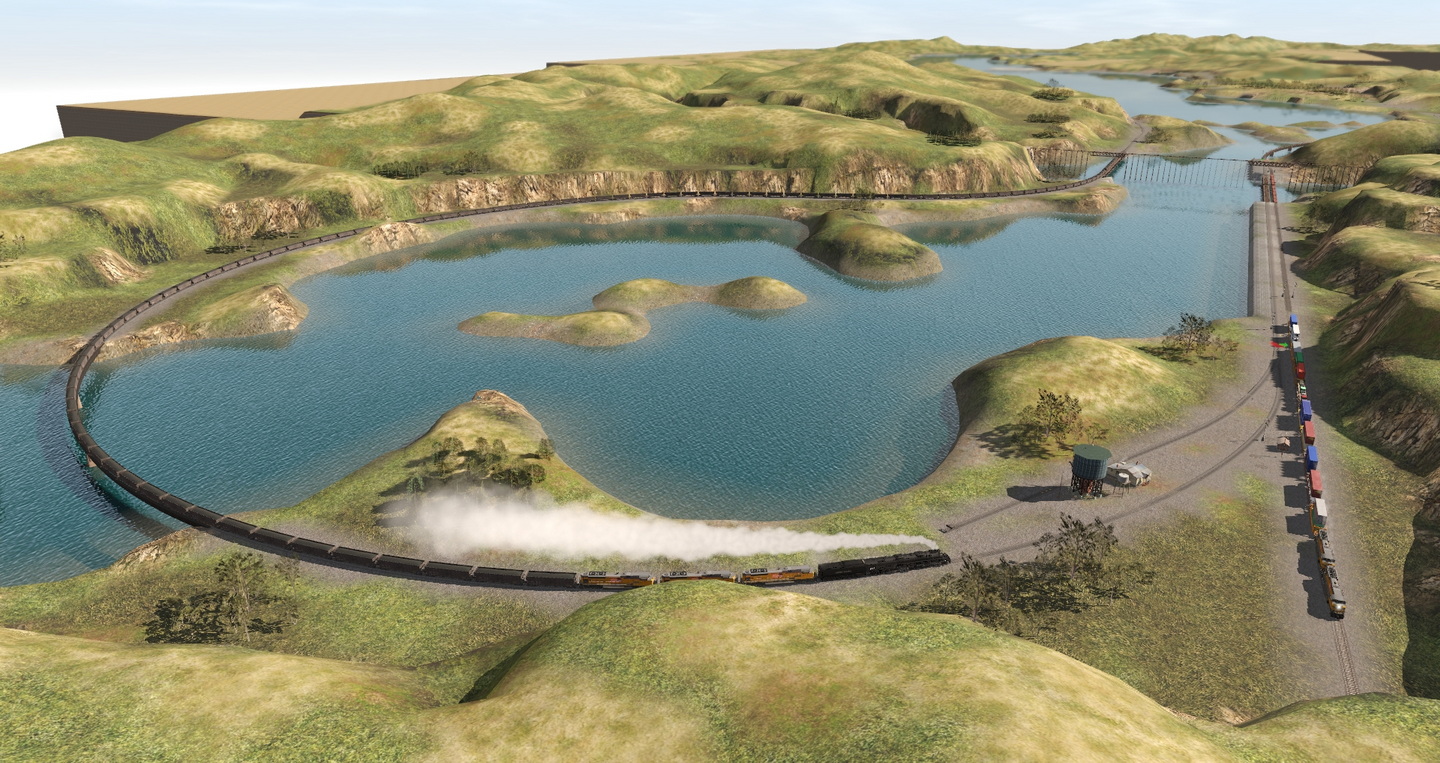
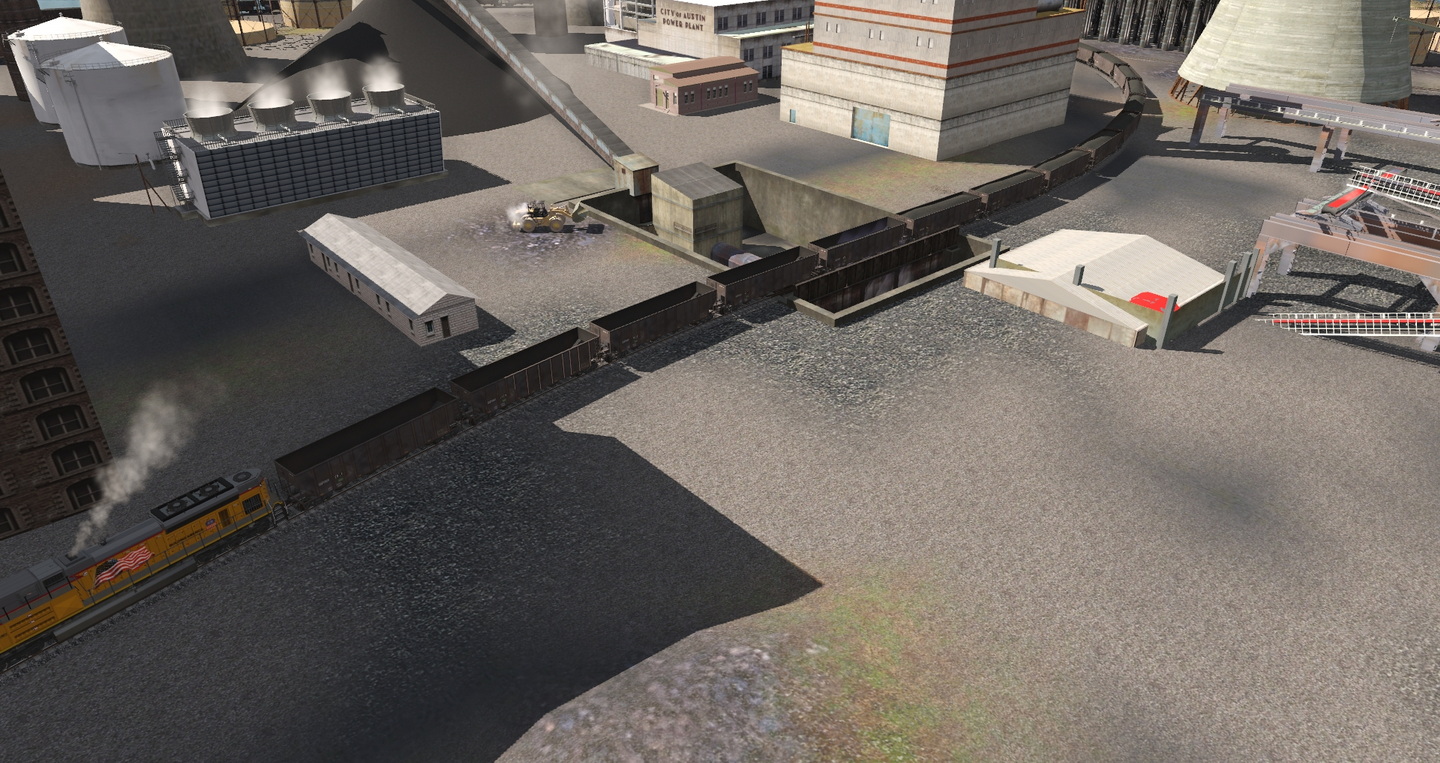
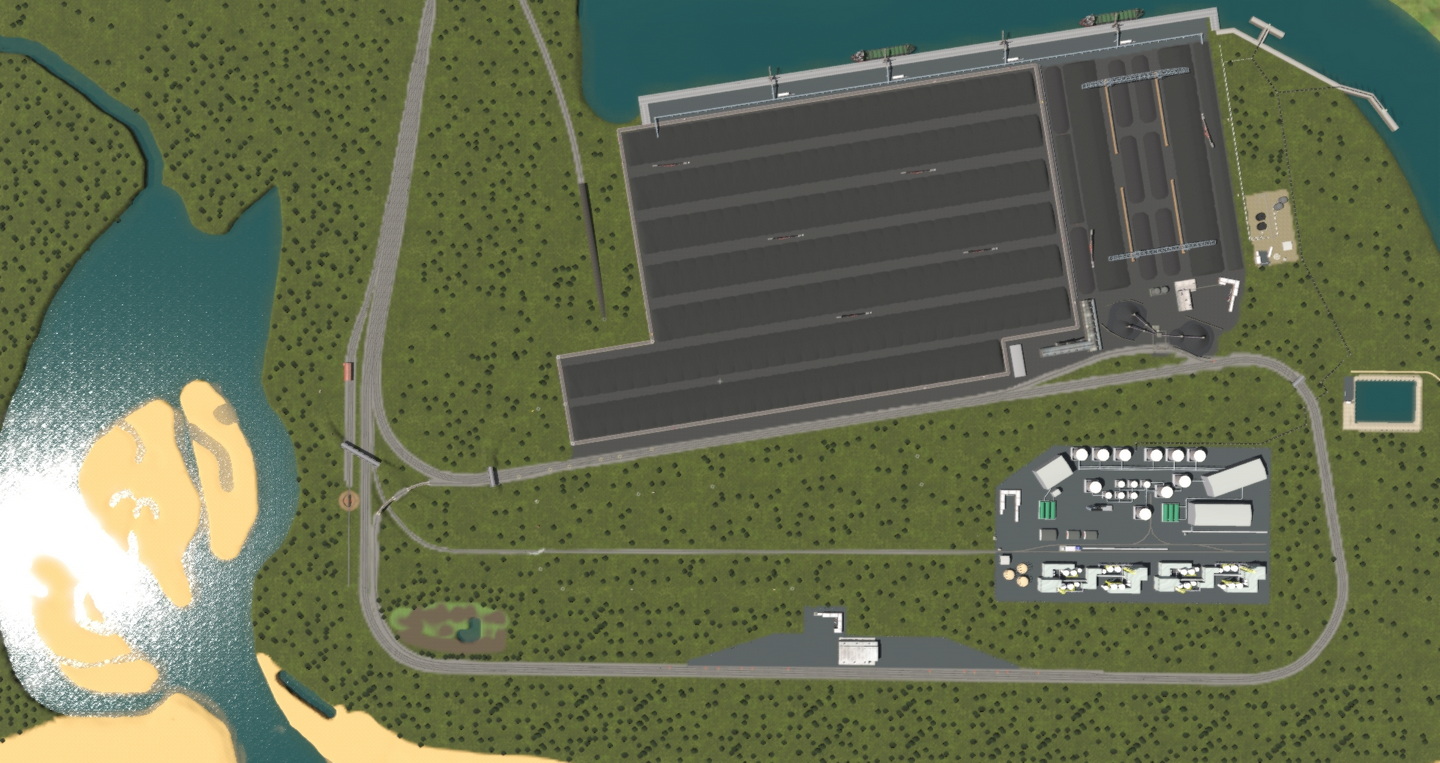
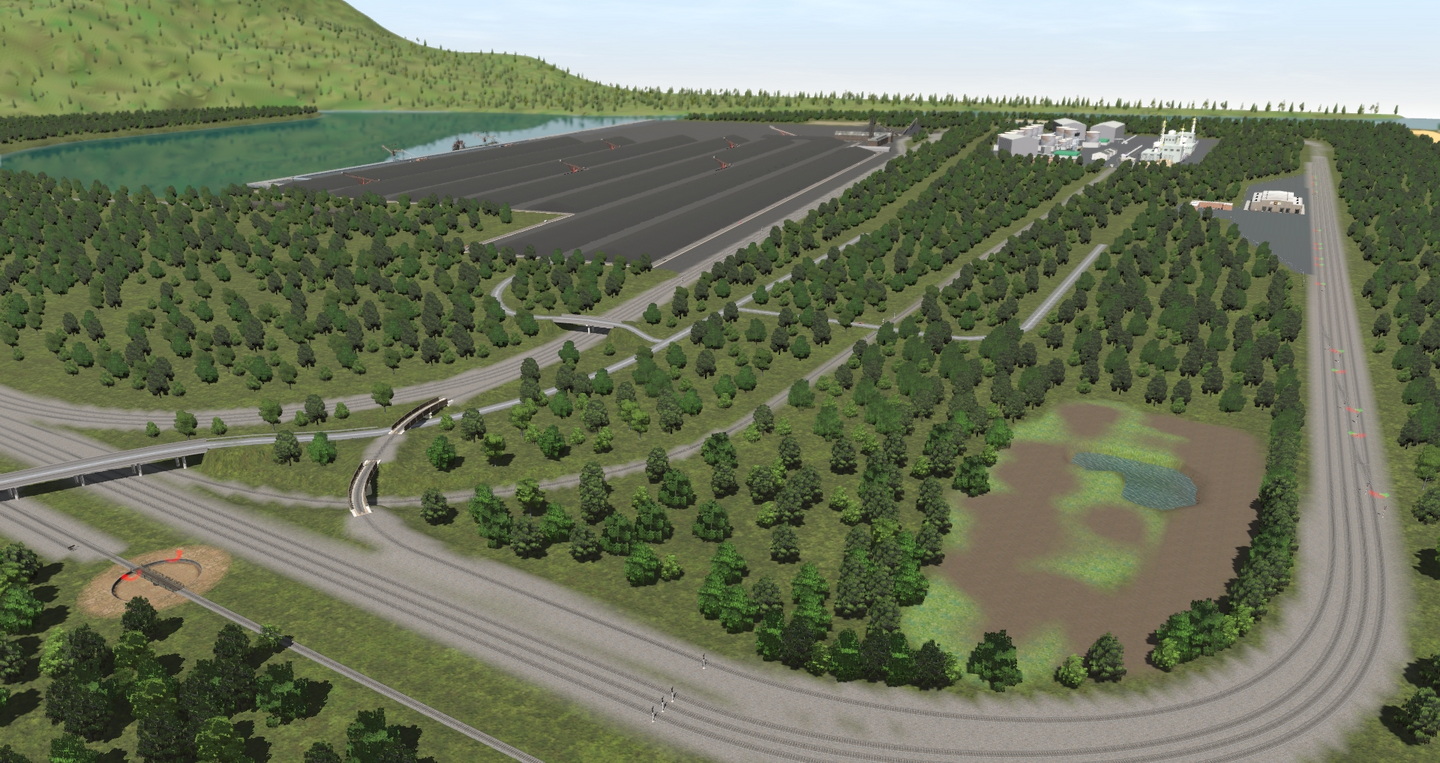
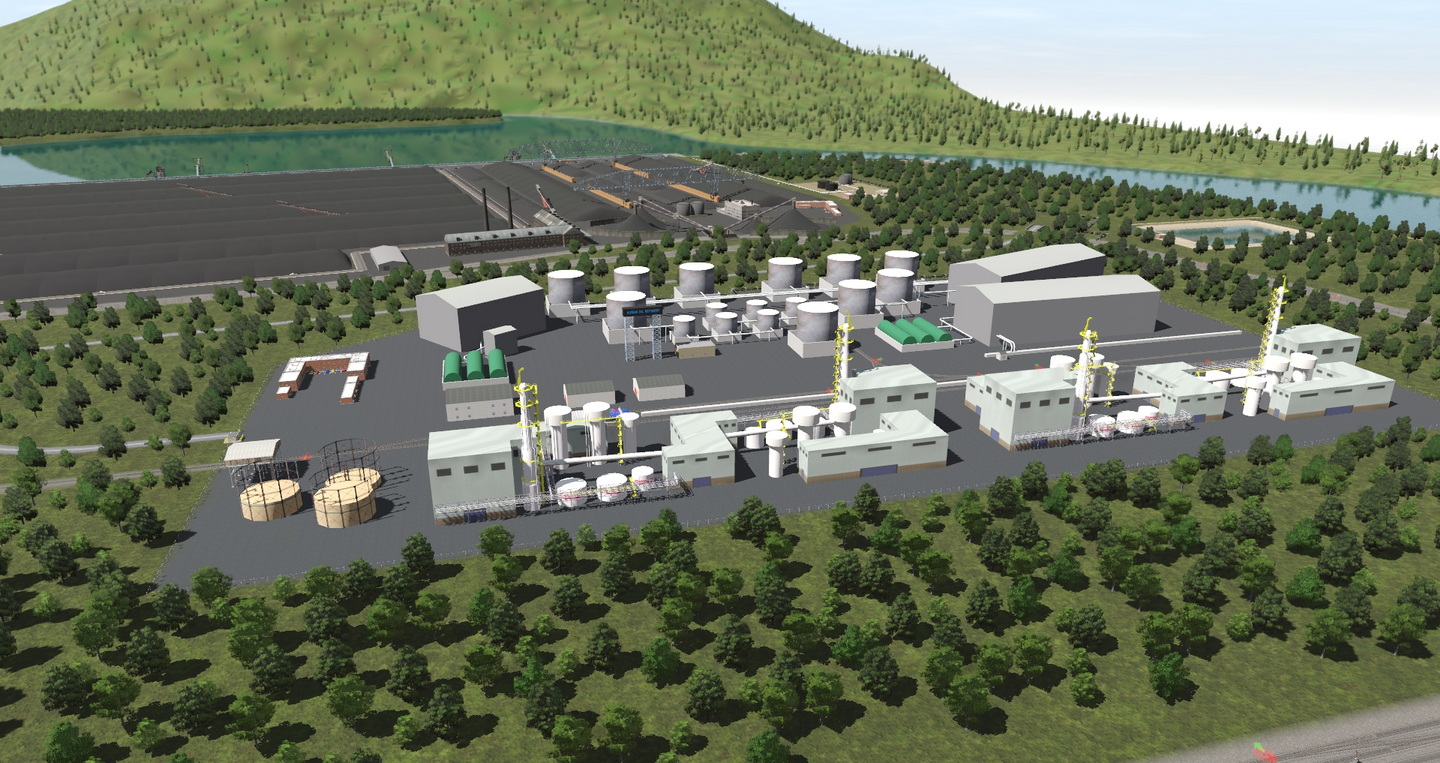
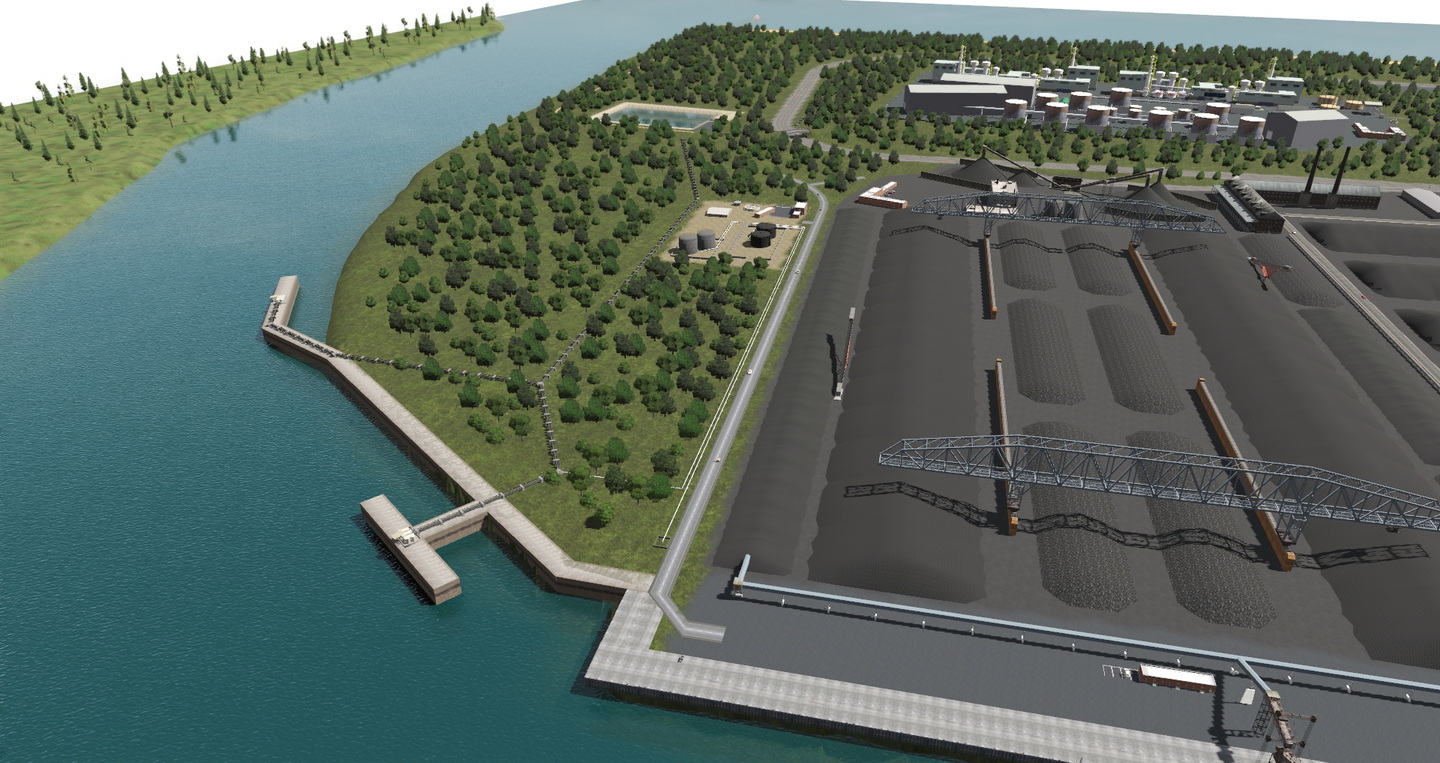
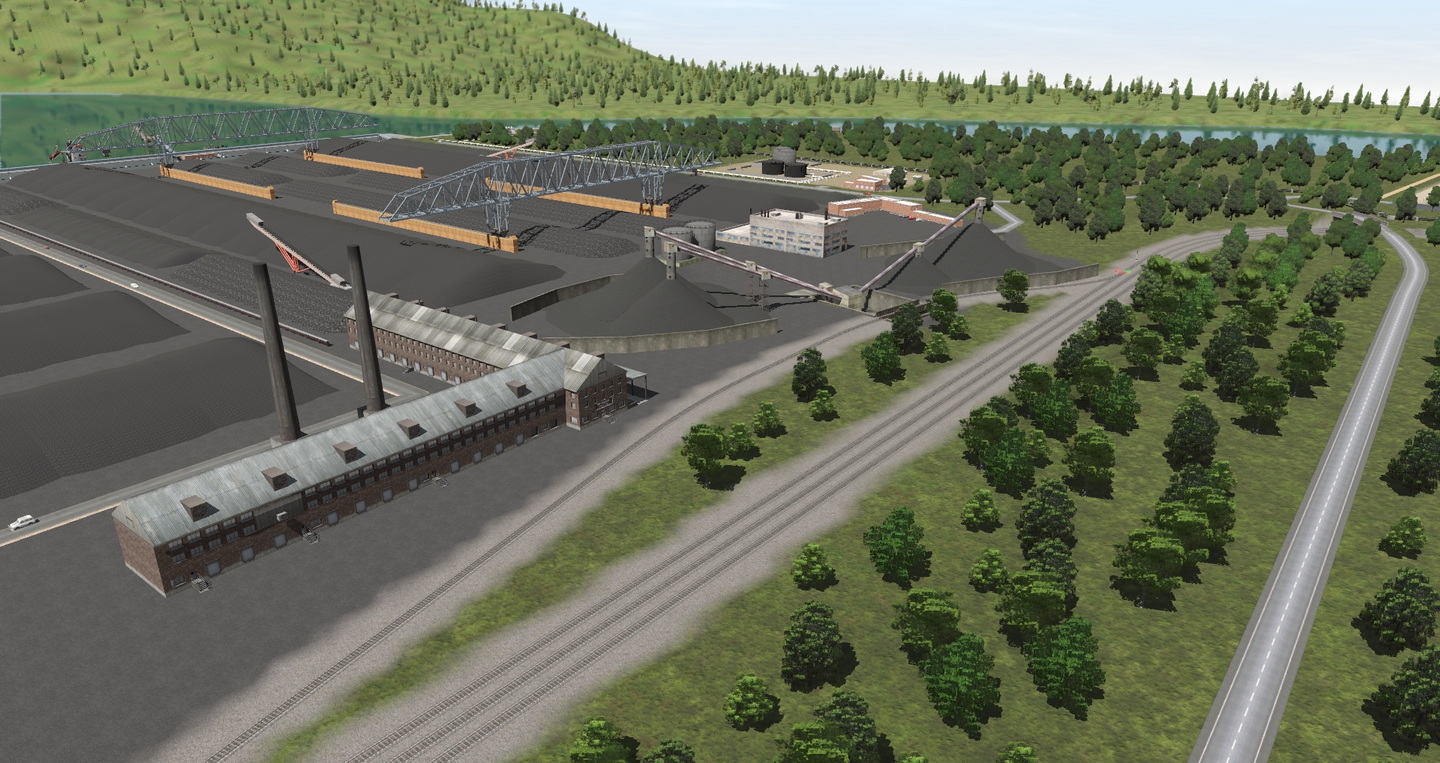
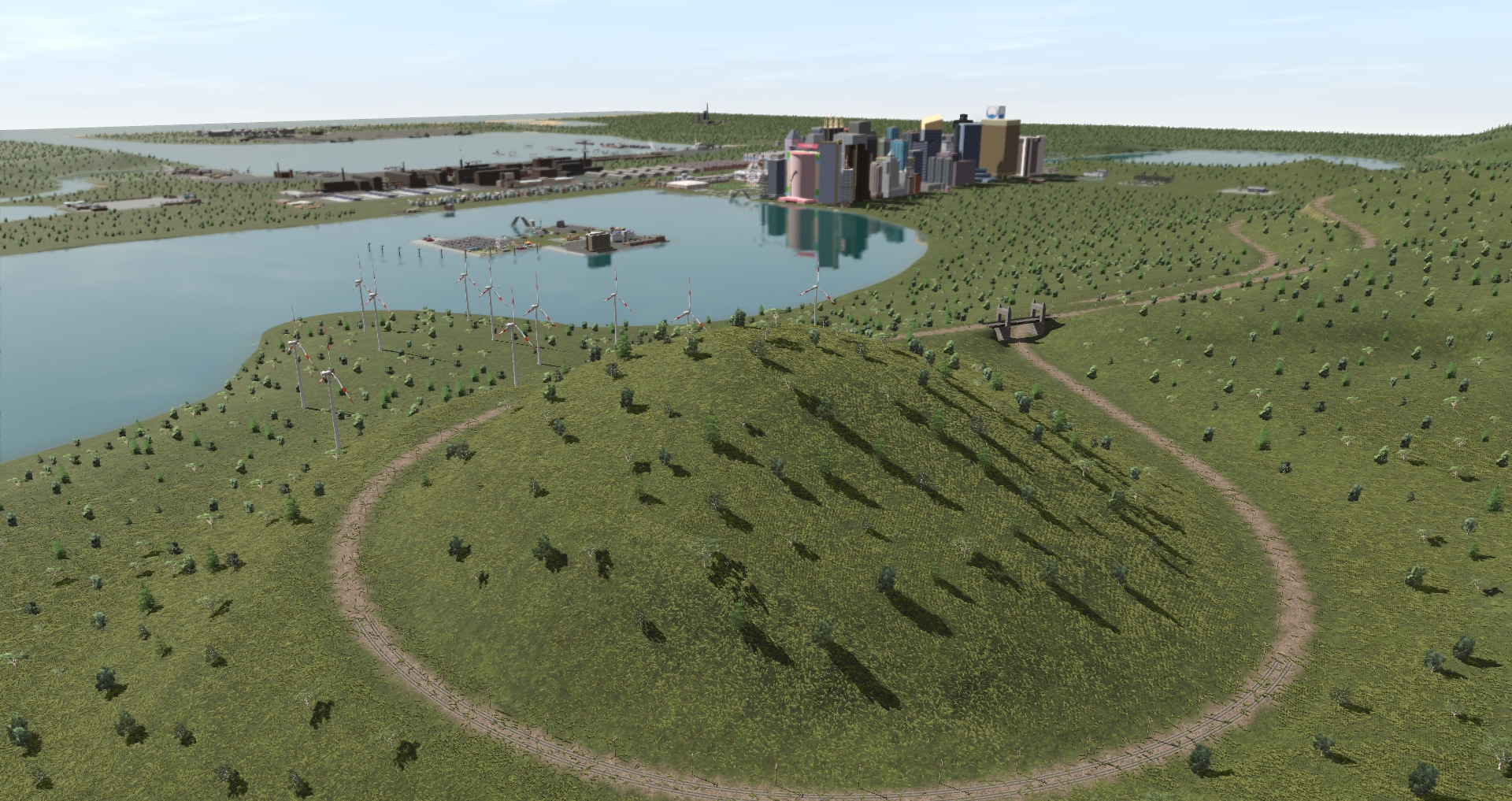
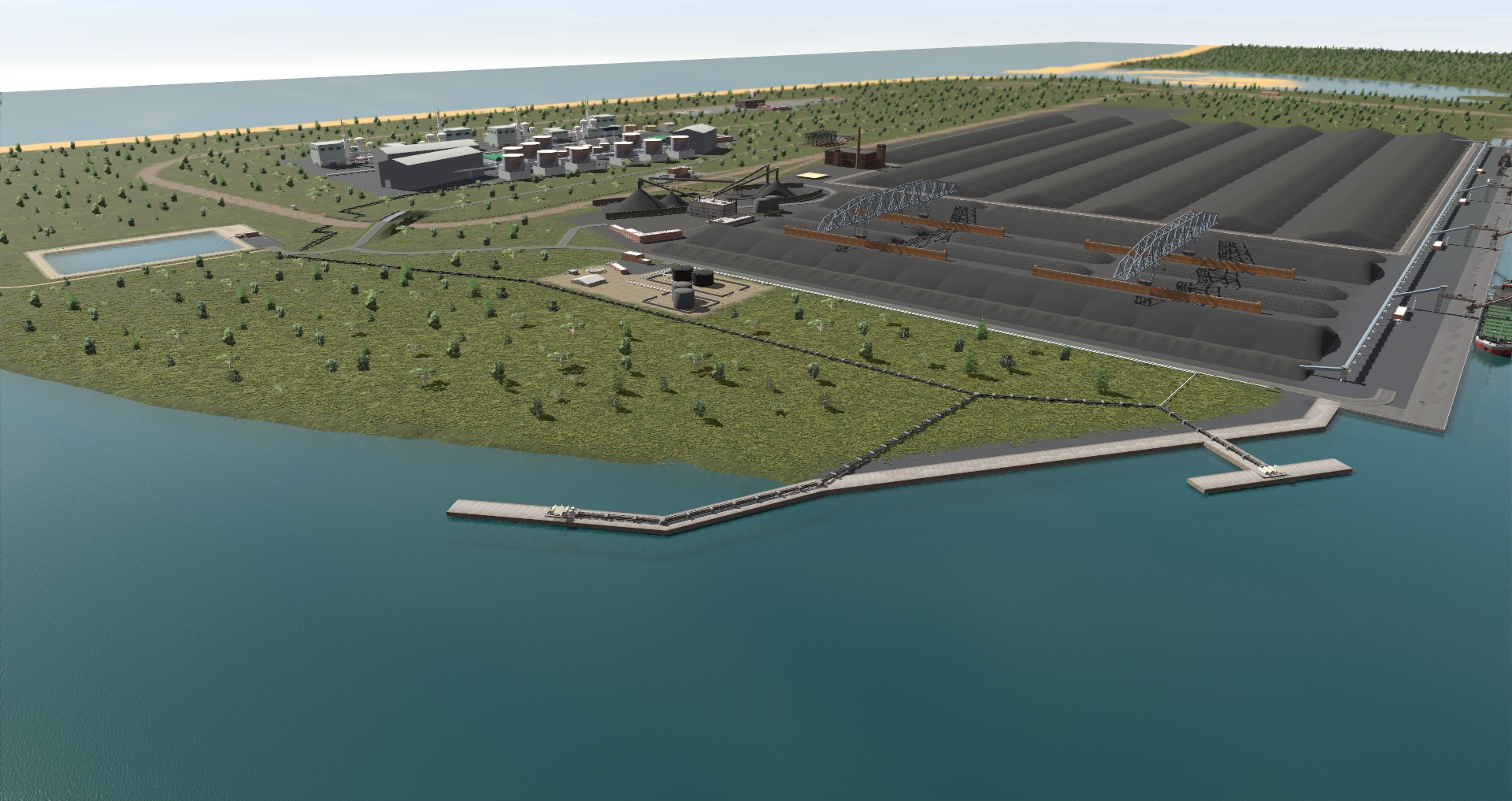
I updated KholMine to a more modern mine to be able to load 100 (or more) hoppers. Reason for the loop, to keep the long train of the main line while loading. (I work on coal mines and we have rail load-out that can load 100 hoppers (or more).

Imagine a 100 car coal train loading at Kholmine, going through south pass, double decker bridge via VanDenH and all the way to Amour, through Riverside, onto IndustRail and all the way to Sparks PowerStation. I might stream it soon.
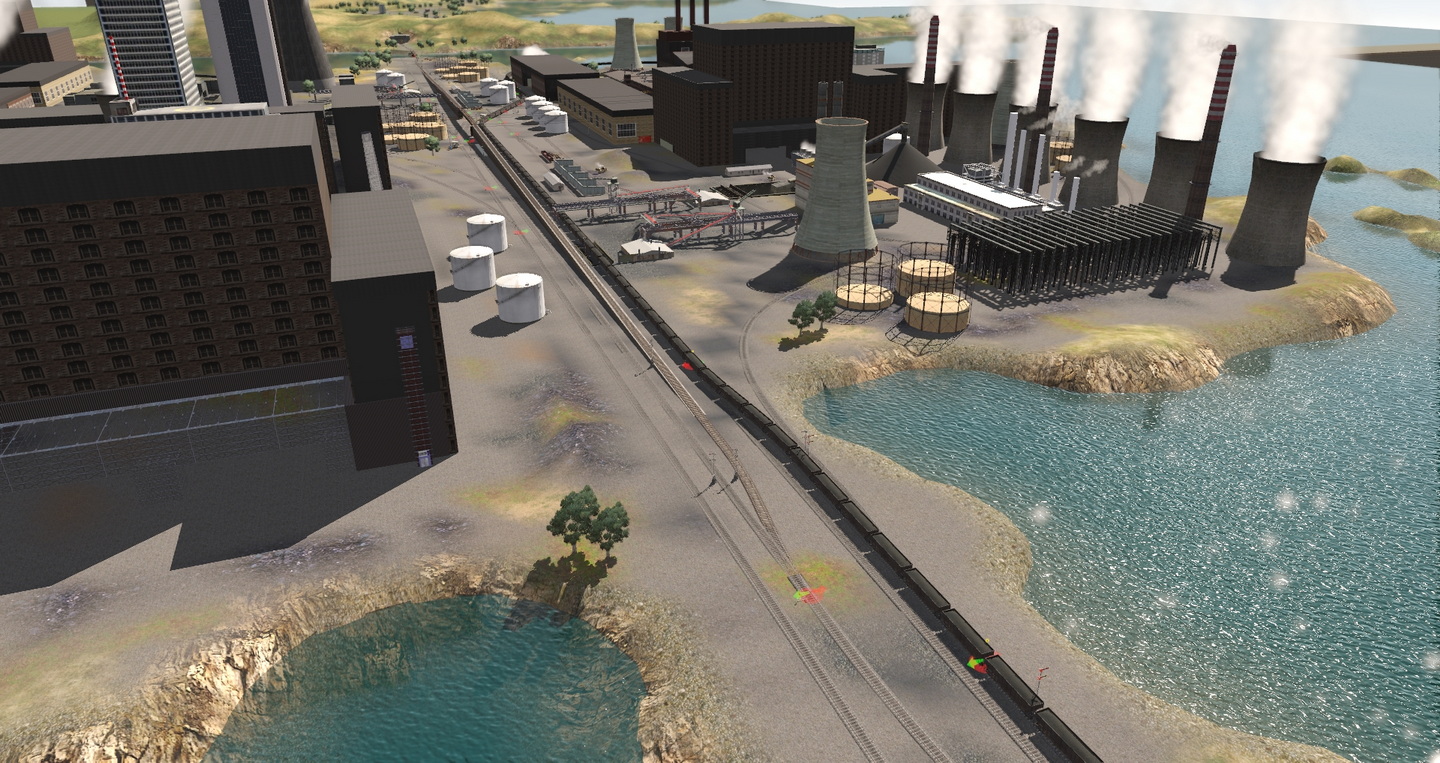
I updated 1 of Sparks PowerStations to be able to receive 100 cars, with a loop all around, once again to stay of the main line.

I replace all the main line tracks with <kuid2:523:1116:5> TANE Trk Concrete (thank you for a bulk replacement tool), all the AI tracks with <kuid2:30501:1001:10> TANE Trk Oak and all the dock rails with <kuid2:523:1216:3> TANE Trk Rails Only.
Here is my latest project.
As some of you know, I am a huge fan of Phil Skene’s routes
The Merge:
Port Ogden & Northern with the south section of BesideTheRiver and the rest of RiversideRailroadCo. The north section of RiversideRailroadCo (Diaspar) is Invercargill on IndustRail, so the merge there was perfect. The south section of BesideTheRiver fits perfectly at the northwest of Port Ogden & Northern, as with Austral Bay.
Port Ogden & IndustRail is for me still the best routes on Trainz, when you want so much possibilities to move commodities. Updating the quality should be easier with the new Surveyor 2.0, but that is for later. I am still using 90% of the time the classic surveyor.
I used Port Ogden & Northern 2a, IndustRail 2a, RiversideRailroadCo 3a, which is the last versions that still uses BI, BI2, LARS & ProtoLARS industries. I still prefer these industries, easier to setup. With the latest content manager, it is very easy to create your own, which I did. I created 25 different LARS & ProtLARS industries accordingly. I also change the ProtoLARS track from 10m to 20m
For example: Where there is a container wharf, I created a LARS / ProtoLARS with only containers. I replaced all the industries like that. I did about 10 hours of testing on all the industries, all working 100%. This merge has no glitches, the terrain is very good and all these has trees, maybe not the best, but is a good route to drive on.
I created an all-new LARS Heavy Hauling (50 Commodities). I added this industry at:
Invercargill
Port Arthur
Dunedin
Lys
Ogden
Port Ogden South
VanDenH
Few commodities
<kuid:101046:106916> Caterpillar 980C Load Dep Flatcar DES
<kuid2:60238:11017:1> Aircraft EC-HH65 Dolphin Helicopter Product
<kuid2:97008:298494:2> Caterpillar980H Product
<kuid2:101046:101006:1> CAT Articulated Truck (Product)
<kuid2:101046:100999:1> John Deere Combine (Product 2) for Depressed Flatcar
<kuid2:56063:700039:4> Caterpillar Bulldozer D11R Product
<kuid2:56063:700040:4> Caterpillar Bulldozer D11R Push Frames and Blade Product
<kuid2:101046:100985:1> John Deere Combine with Tires Removed (Product)
<kuid:581273:102922> DYLT Heavy Machinery Tire Load
<kuid:581273:103445> DYLT I-Beam Stack Red
<kuid:212731:1000089> Heavy Ship Device (TRS)
<kuid2:173286:600000:1> gas generator
<kuid:101046:101025> Pipe Load 1 for Bulkhead Flatcar DES (Product)
<kuid:439337:109537> Fire Truck-SAP
<kuid:212731:1000087> Heavy machine (TRS)
<kuid:101046:101019> Large Steel Beams Load for Bulkhead Flatcar DES (Product)
<kuid2:101046:101083:1> Hydrogen Tanks (Product)
<kuid2:101046:105848:1> Wind Turbine Nodule Product DES
<kuid2:68213:60024:1> Loader Volvo L180C
<kuid:101046:106912> Transformer Product ver 1 DES
<kuid:101046:106915> Transformer Product ver 2 DES
<kuid2:101046:105821:1> Wind Turbine Product Blade DES
To load on these cars:
Schnabel
Flatcar Depressed Center 55 ft TTX DES
370 ton flat
and many more
I updated KholMine to a more modern mine to be able to load 100 (or more) hoppers. Reason for the loop, to keep the long train of the main line while loading. (I work on coal mines and we have rail load-out that can load 100 hoppers (or more).
Imagine a 100 car coal train loading at Kholmine, going through south pass, double decker bridge via VanDenH and all the way to Amour, through Riverside, onto IndustRail and all the way to Sparks PowerStation. I might stream it soon.
I updated 1 of Sparks PowerStations to be able to receive 100 cars, with a loop all around, once again to stay of the main line.
I replace all the main line tracks with <kuid2:523:1116:5> TANE Trk Concrete (thank you for a bulk replacement tool), all the AI tracks with <kuid2:30501:1001:10> TANE Trk Oak and all the dock rails with <kuid2:523:1216:3> TANE Trk Rails Only.