
orangeengine69
Active member
If you're still very green to the Forums here's a quick way to start posting on your images here;
**You'll need to use an image-sharing website. More specifically: image hosting and sharing service some that I've seen other users used in the past include SmugMug, Photobucket, and Imgur. However for this example I'll be using Postimages**
1. Go To Postimages (you can find it by using your search engine, or if you can put in "postimages.org" into your URL bar)

2. Upload your image file with the large blue button
The uploaded image page should look something like this;

3. Copy the link (direct link)
Example: "https://i.postimg.cc/3Rcw541z/f5e-21129-211sq-120114-2.jpg"
4. Go back to forums, click on the "image icon"
5. Paste you postimages link in.

6. Press insert
7. Done
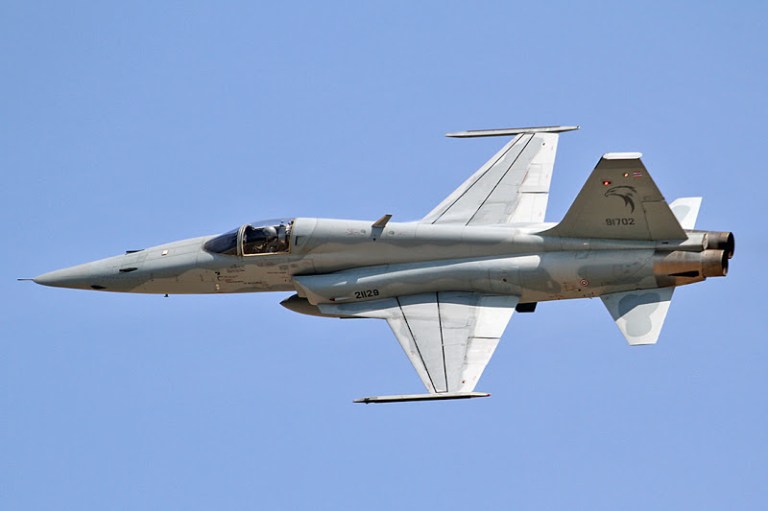
Enjoy
*note: I should mention that trainz does have an official way to do this via the Trainz Portal Gallery however there is a 10 minute delay between uploading your image/screenshot and it showing up, and sometimes because other users also post their screenshots there yours might get buried or sometimes straight up not show up during that 10 minute delay.
(That's why I call this the fast method)
**You'll need to use an image-sharing website. More specifically: image hosting and sharing service some that I've seen other users used in the past include SmugMug, Photobucket, and Imgur. However for this example I'll be using Postimages**
1. Go To Postimages (you can find it by using your search engine, or if you can put in "postimages.org" into your URL bar)
2. Upload your image file with the large blue button
The uploaded image page should look something like this;
3. Copy the link (direct link)
Example: "https://i.postimg.cc/3Rcw541z/f5e-21129-211sq-120114-2.jpg"
4. Go back to forums, click on the "image icon"
5. Paste you postimages link in.
6. Press insert
7. Done
Enjoy
*note: I should mention that trainz does have an official way to do this via the Trainz Portal Gallery however there is a 10 minute delay between uploading your image/screenshot and it showing up, and sometimes because other users also post their screenshots there yours might get buried or sometimes straight up not show up during that 10 minute delay.
(That's why I call this the fast method)

