
Install the app
How to install the app on iOS
Follow along with the video below to see how to install our site as a web app on your home screen.
Note: This feature may not be available in some browsers.
You are using an out of date browser. It may not display this or other websites correctly.
You should upgrade or use an alternative browser.
You should upgrade or use an alternative browser.
TurFx Not Working [solved]
- Thread starter buffedub
- Start date
You may find this link helpful. http://online.ts2009.com/mediaWiki/index.php/Help:TurfFX_Effect_Layer
Chris
Chris
shaneturner12
Tutorial Creator
Are you looking under the Advanced section on the Topology tab in Surveyor? The link above shows where the list is (under the heading "Creating and Editing Turffx Layers in Surveyor").
Shane
EDIT: Be aware that the layers are route specific so one may not have been created for that route. You can select the actual turf by following the guide on the Wiki link.
Shane
EDIT: Be aware that the layers are route specific so one may not have been created for that route. You can select the actual turf by following the guide on the Wiki link.
Last edited:

shaneturner12
Tutorial Creator
According to the Wiki page the first part of the tutorial is at https://youtu.be/0zTqYRMIqCs - see if that helps.
Shane
Shane
Borrokalari
New member
I also have an issue with TurfFX.
I have created a route with an effect layer with turf just like the video tutorial shows but when I click to paint turf I don't see it. I have it enabled in my settings and I see it in KS Country 2 and the demo map. I just can't paint it on my route. I have cloned the demo map and I also can't paint turf on that demo map as well.
I have created a route with an effect layer with turf just like the video tutorial shows but when I click to paint turf I don't see it. I have it enabled in my settings and I see it in KS Country 2 and the demo map. I just can't paint it on my route. I have cloned the demo map and I also can't paint turf on that demo map as well.
I also copied the settings from the content showcase route as a guide and now can have Turffx effects on my routes. Some times I tried to vary some of the settings from the showcase settings to experiment with different effects. On some of these creations I now get a red circle when I try to place my new creation on the route. What does the red circle - instead of the white circle - mean? Does the red circle appear if one of my parameters is out of range? I would think that would be indicated in layer screen where I am actually specifying the parameters.
I also copied the settings from the content showcase route as a guide and now can have Turffx effects on my routes. Some times I tried to vary some of the settings from the showcase settings to experiment with different effects. On some of these creations I now get a red circle when I try to place my new creation on the route. What does the red circle - instead of the white circle - mean? Does the red circle appear if one of my parameters is out of range? I would think that would be indicated in layer screen where I am actually specifying the parameters.
This is correct, from what I understand. The values are too high for the route size, which is actually one of the error messages. You should see this in the parameters box with the settings themselves turning red, or actually the boxes themselves being surrounded with red or yellow to indicate something is amiss.
I also copied the settings from the content showcase route as a guide and now can have Turffx effects on my routes.
How do you copy and insert into another route?
How do you copy and insert into another route?
Unfortunately by hand
 I made a copy of all the effect layers used in the sample route and then for each of my routes hand copy the values of the layers I want. Apparently there is no way to automatically transfer the values between routes.
Borrokalari
New member
Cannot Paint TurfFX when creating a new route.
I see TurfFX in Kickstarter Country 2 and the content sample map.
I have it enabled along with Clutters in my settings.
My repro steps:
I create a new route. I click on Topology, Effects Layer, create new, name it Grass1 and leave all the default settings as is. I click ok, make sure it's selected in my effects layer and click the Add ground icon and paint and no grass appears.
What am I doing wrong here?
EDIT: I have seen the wiki and watched the tutorial video and followed it.
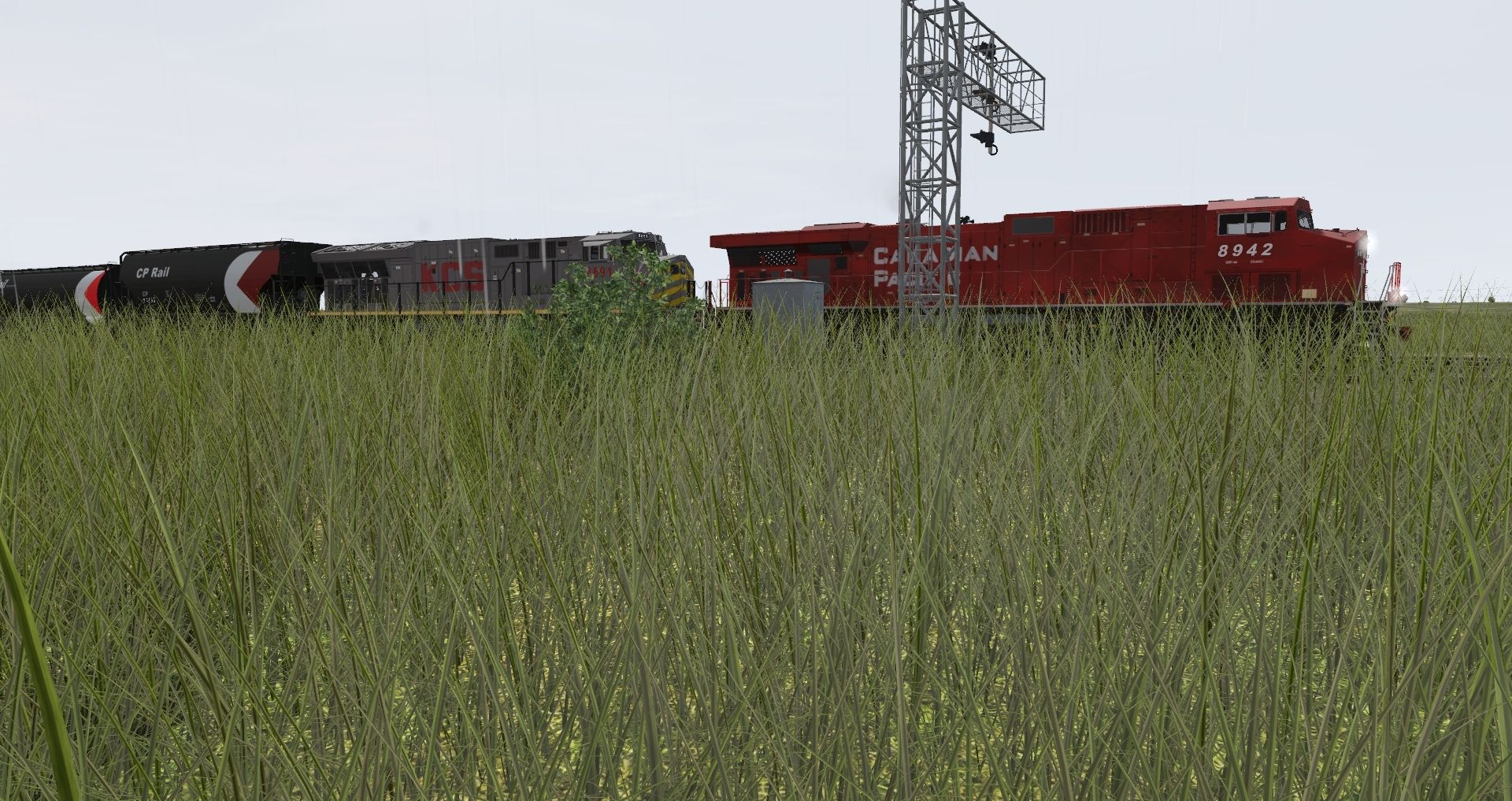
EDIT2: I have solved it. I think it might be because I was in N scale? The default values make the grass microscopically tall. I played around with the settings until I could finally see it. I'll go copy the values from other Routes now.
I see TurfFX in Kickstarter Country 2 and the content sample map.
I have it enabled along with Clutters in my settings.
My repro steps:
I create a new route. I click on Topology, Effects Layer, create new, name it Grass1 and leave all the default settings as is. I click ok, make sure it's selected in my effects layer and click the Add ground icon and paint and no grass appears.
What am I doing wrong here?
EDIT: I have seen the wiki and watched the tutorial video and followed it.
EDIT2: I have solved it. I think it might be because I was in N scale? The default values make the grass microscopically tall. I played around with the settings until I could finally see it. I'll go copy the values from other Routes now.
Last edited:
Ok I got grass in no problem. I then made a new layer for clutter, but there is no pull down list like the grass has, so where is the ground clutter at. Thanks in advance.
In the ground clutter window you see a "plus". Click on it and you will get into a pull down menu for the different clutter. And then again on "plus" for a new one and so on.
Last edited:
Similar threads
- Replies
- 18
- Views
- 1K
- Replies
- 2
- Views
- 729
- Replies
- 4
- Views
- 381
- Replies
- 7
- Views
- 1K