Red Launcher Crash - Any Solutions?

Christopher824

CDETrainz.com
Hello,

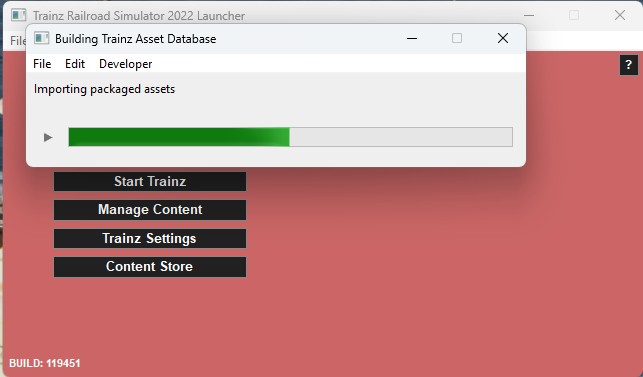
When I launch Trainz 22 PE, the Launcher has no picture, and where the picture should be, its just solid red. Then a database repair begins and finishes, Then closes. Unable to run Trainz

Anyone know a solution please?
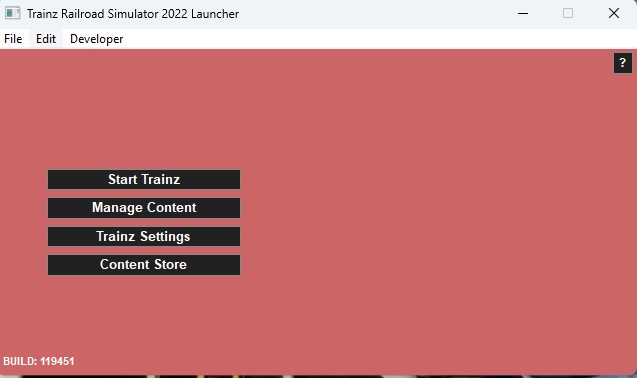
red launcher 2.jpg


red launcher 1.jpg
 
Last edited:
What is missing is the image that serves as the background of the window. I vaguely recall a thread where someone wanted to change this image and the file was named by someone. I would think that finding the name of that file and then copying it from a working install to the replace the image in the nonworking install is the solution. It sounds like it is stored in your local data folder for some reason.
 

p-dehnert

Well-known member​

- in Content Manager: "Open -> Show in Explorer" <kuid:30501:130014>
- Copy the opened folder to some working space (Desktop), and "Revert Unsubmitted" <kuid:30501:130014>
- in the copied folder: unpack all .texture files using PEV's Images2TGA (to .texture.txt and .tga)
- remove the the .texture files (after unpacking)
- some pictures have to be resized (to match the power of 2 requirement) (the trs22 ones and the _portrait one)
- replace any picture not pleasing you
-- by another picture using the same name or
-- by changing the Primary= entry in the .texture.txt file
- in the config.txt change the kuid to <kuid2:30501:130014:1>
- import the folder containing the modifications

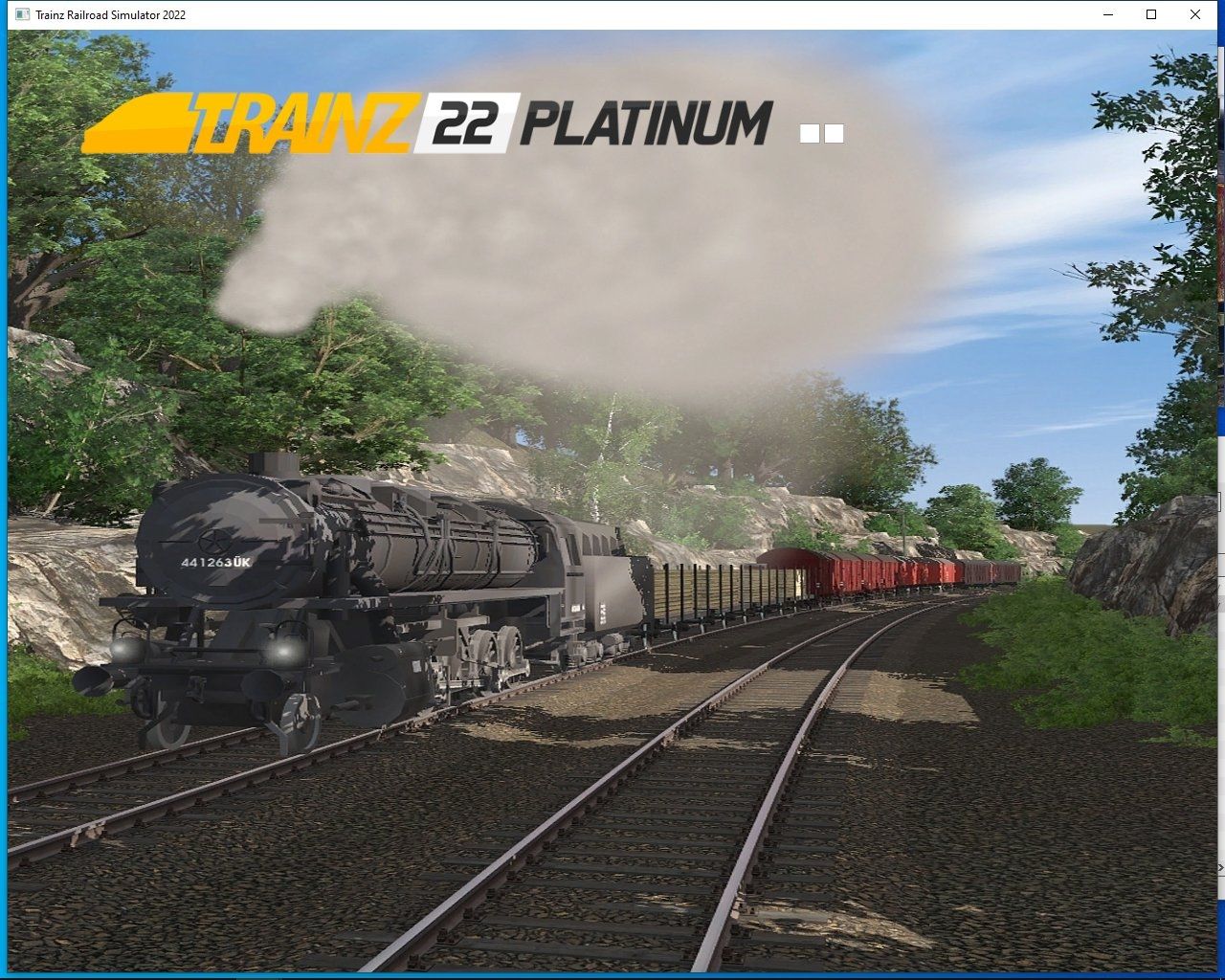
Screenshot of my test:
Modified-TRS22-Loading-Screen.jpg


Peter

TRS2004, TRS2006, TS09, TS10, TS12, TANE, TRS19, TRS22PE, Trainz+
 
Back
Top