In no case in Canada does a mast with multiple targets indicate that the top signal is for the main line and the others are for diverging lines.
This is absolutely false.
Multiple target signals indicate whether a turnout is straight or reversed and what the speed is for passing through that turnout.
And of course, whether the dedicated track is occupied or not.
The more targets there are, the more information is provided.
And even more possibilities regarding speeds.
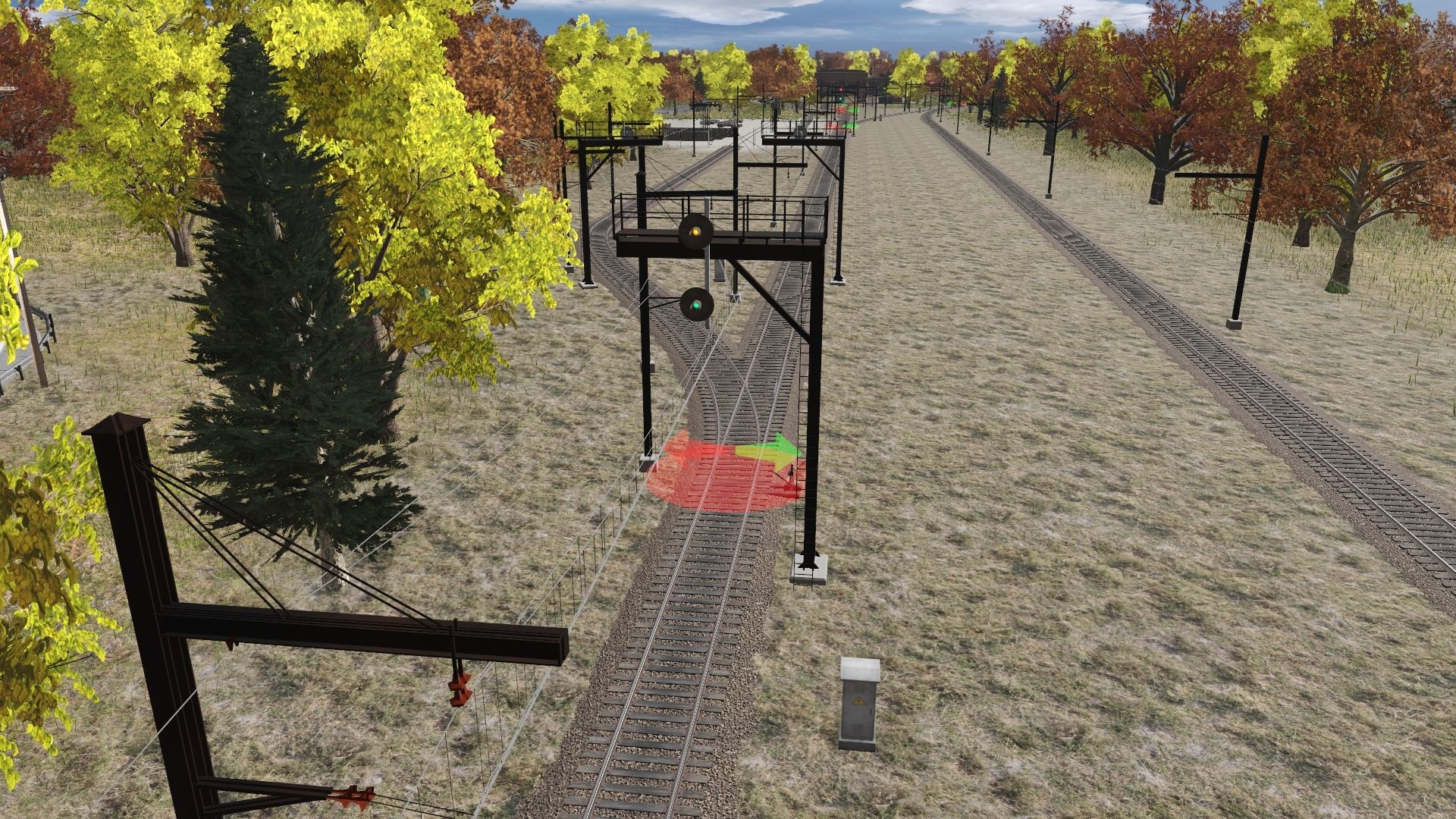
A mast with two targets showing yellow over green is a suitable signal. It is given for access to the main line to indicate a clear track with a medium speed approaching the next signal.
Of course, with a mast with two targets, you will never have a green light in the top target for access to the diverging line.
Why? Simply because passing through a reversed turnout must be done at reduced speed, and it is the second target that will indicate this. You will likely get a red-on-green signal if the track is clear and the next signal is permissive. In other cases, you will get a red-on-yellow, red-on-yellow flashing signal for access to the diverging track that is clear but the next signal is not permissive.
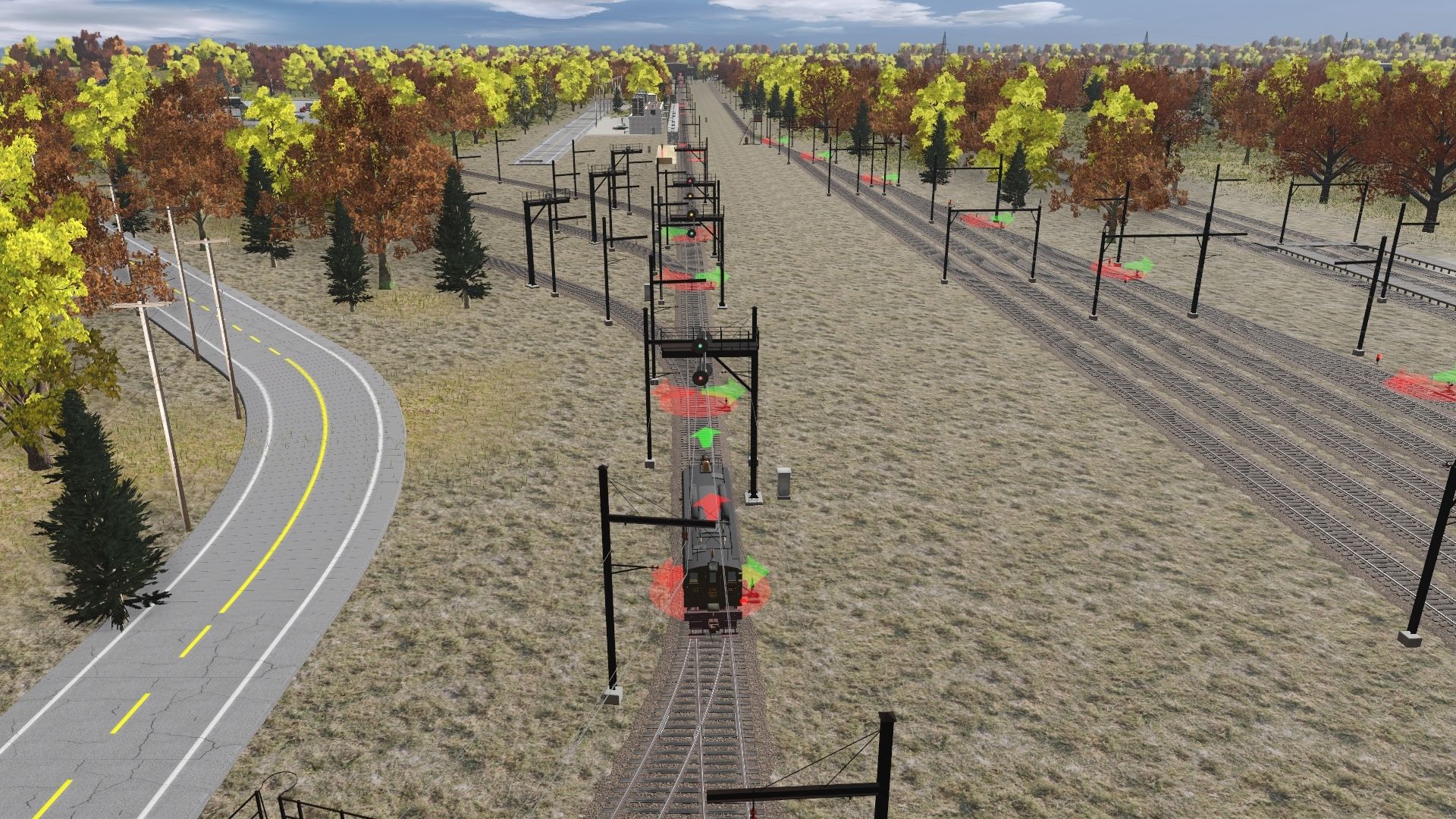
To help you understand, you shouldn't place a signal post in front of every turnout. That's not how it works. The area where all the turnouts are located is called a controlled area. In fact, signal posts are placed to protect this controlled area. They are placed on all tracks entering this area, just before they enter it.
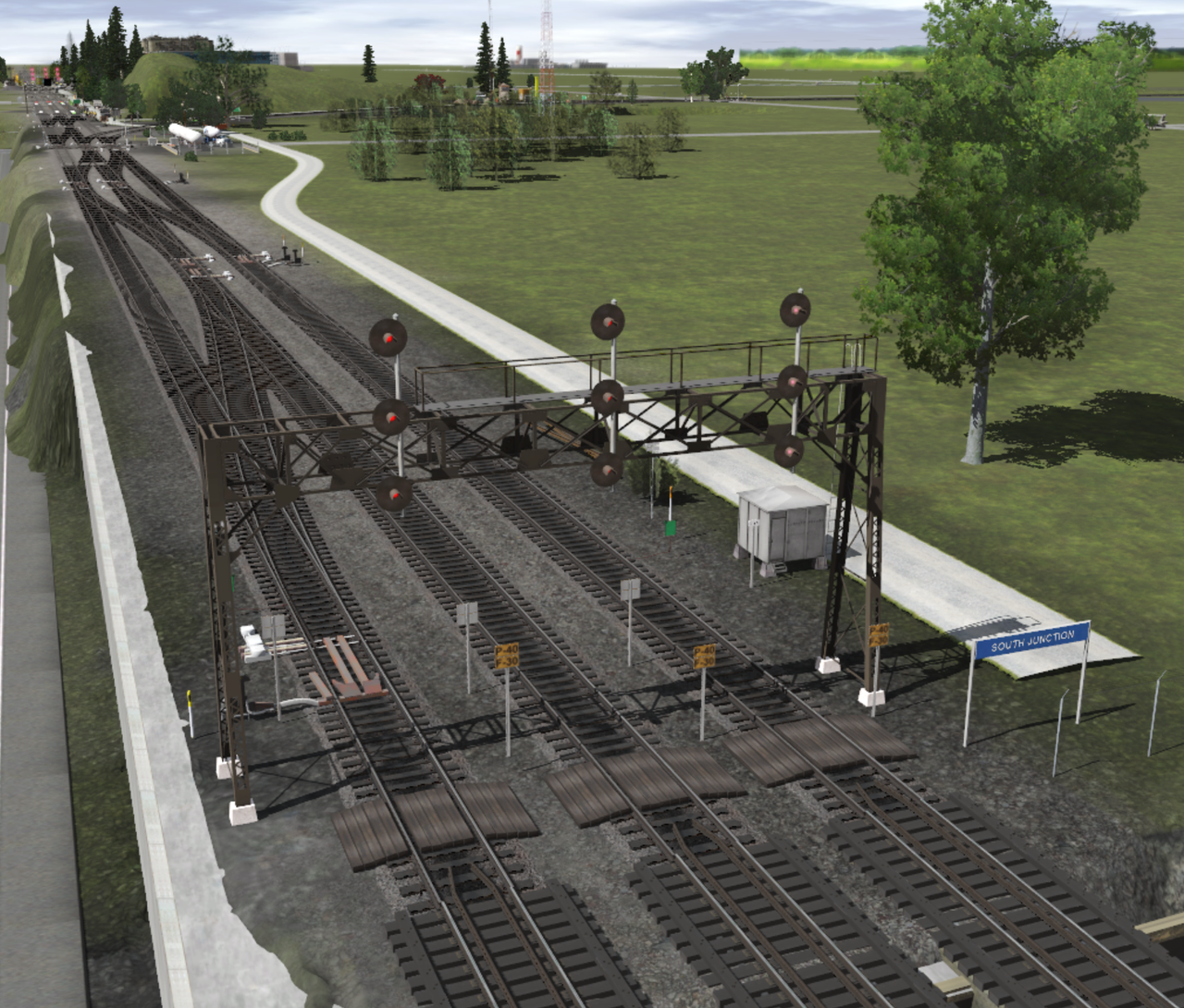
So, one signal post can regulate several diverging tracks within the same controlled area. If there are many turnouts to cross within this controlled zone, offering numerous possible directions and a variety of track types (such as secondary tracks, bypasses, shunting tracks, etc.), there may be one or more turnouts to cross at different speeds. The tracks to which trains must travel also have specific meanings and speeds. You don't travel as fast on a siding as on a secondary track. Therefore, the control zone requires signals with a wide range of direction and speed options. Installing a three-target signal mast becomes necessary, where the third target from the bottom indicates lower speeds.
I know it's very difficult to understand the system until you grasp the concept of the controlled zone. This is fundamental to understanding why there's a mast with one, two, or three targets.
Here's a picture of my layout under construction. (November 2025)