We've been investigating this further and cannot reproduce the issue as described in 105096. I realize QA did say they reproduced the issue previously, but it may be that the issue has since been fixed, or there is a step missing in the test case that the dev team are attempting, or perhaps it is something to do with hardware. Here is the dev test case:
1. Load test route (Wedden), everything looks ok
2. Open edit dialog, click the + to Add a new effect layer
3. Enter a new, unique name, click the Tick and the Add dialog closes
4. Turffx disappears from entire route temporarily
5. Wait a few seconds, Turffx reappears across the entire route
If you're still able to reproduce this issue, please provide the missing steps.
Hi Tony. Thanks for taking the time to look at this. I am still able to reproduce the issue in Weddin in TRS2019 Platinum, following the instruction I outlined in the ticket...
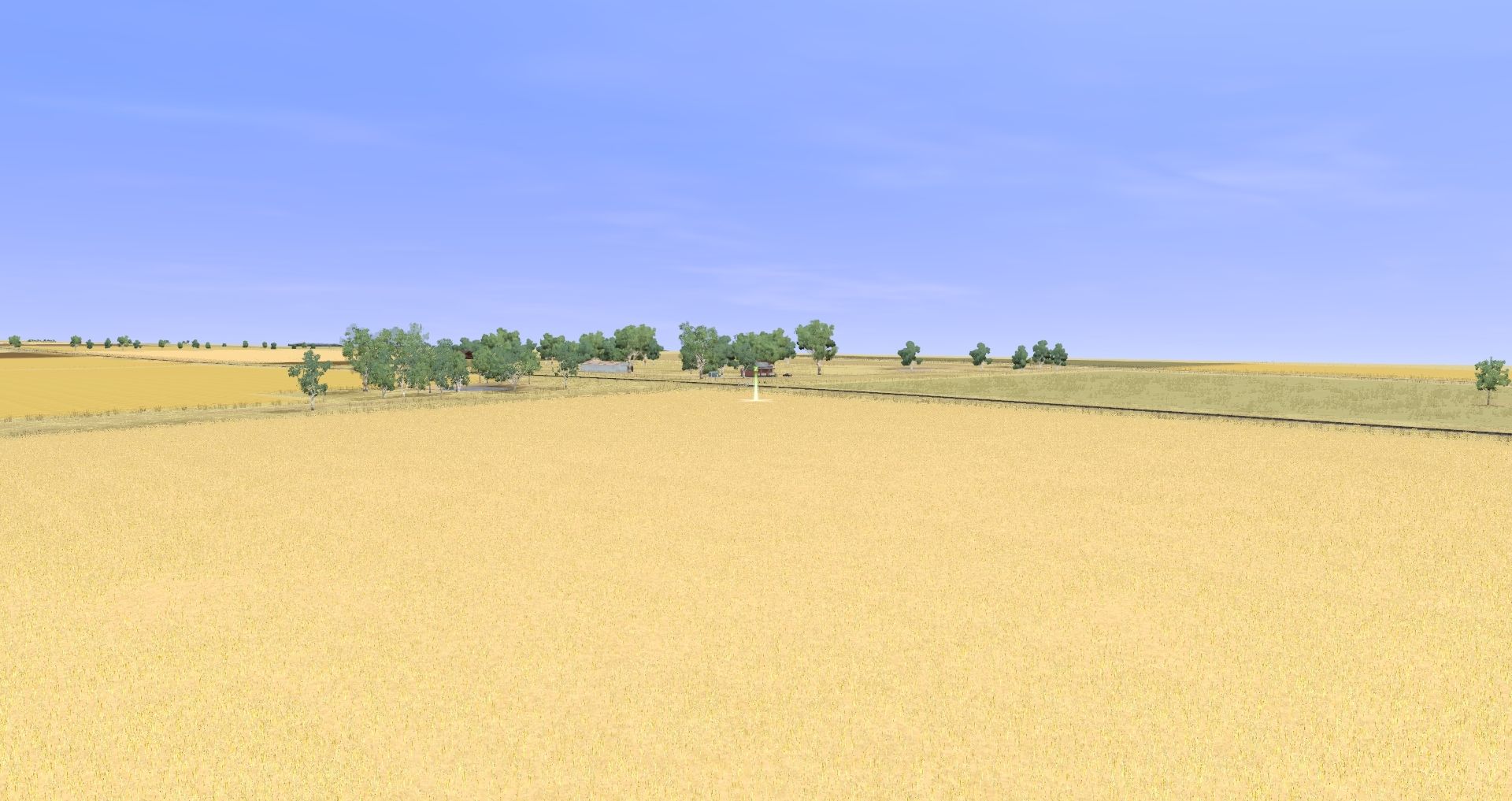
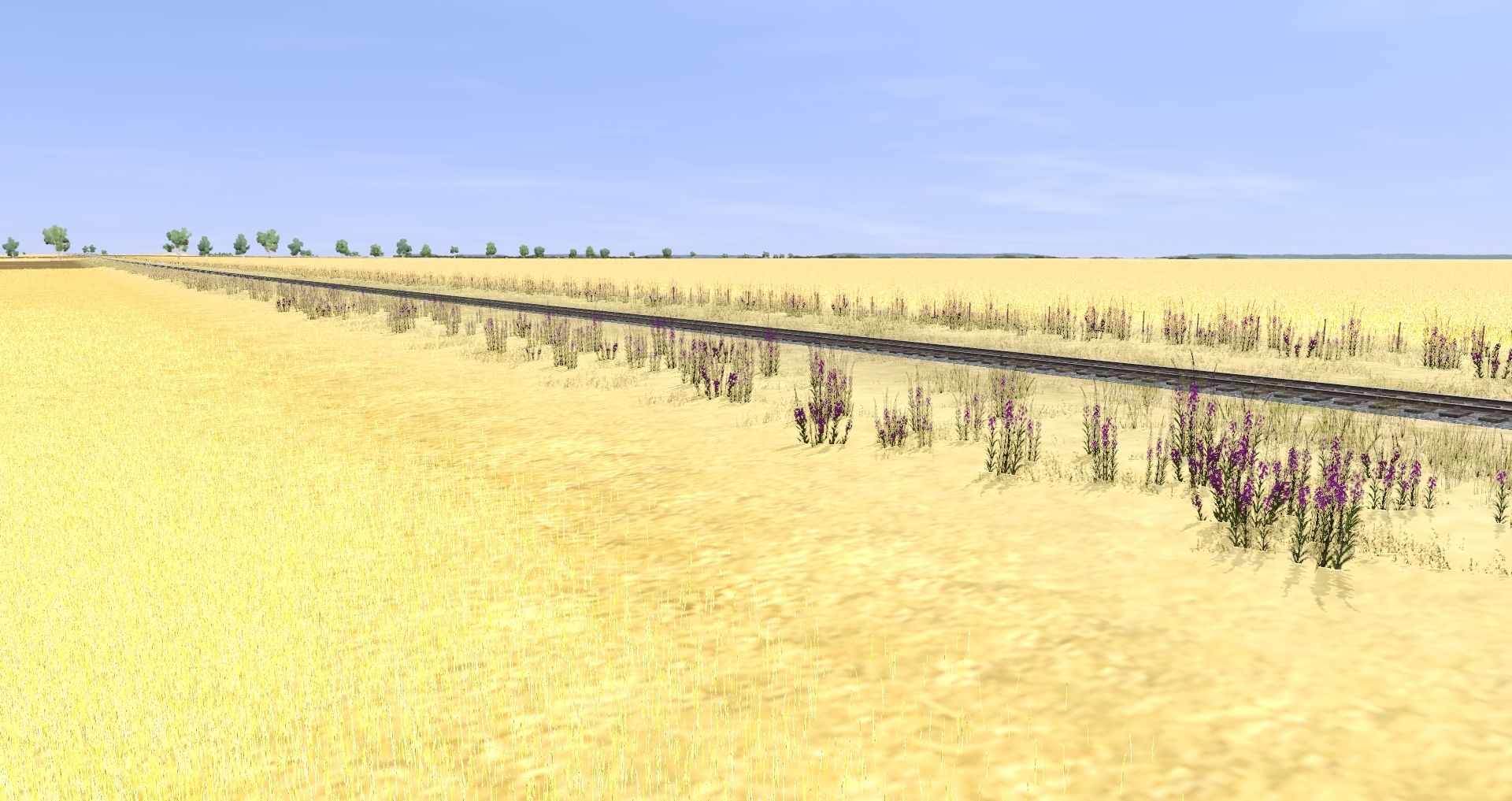
1. Find an area with a number of wheat fields and stubble alongside track. For my testing I use the long straight to the north west of Canowindra. You can jump to Canowindra using bookmark 8. Wheat fields can be identified by the use of the texture 'grain' (see the images in the link included below). All the wheat fields close to track have had the TurfFX layer 'TFX Crop 1' applied. Since you have the route you should be able to see the settings I have used for the existing layers.
2. Once in position note that the TurFX layer is evenly applied over the 'grain' texture.
3. In the Topology/Advanced tab select 'Edit/Add effect layers'
4. From the 'Effect Layers' panel select the '+' button to add a new layer.
5. Enter a name for the layer (for example 'Test'), and select 'Effect Type' = 'Clutter
6. Select the tick button.
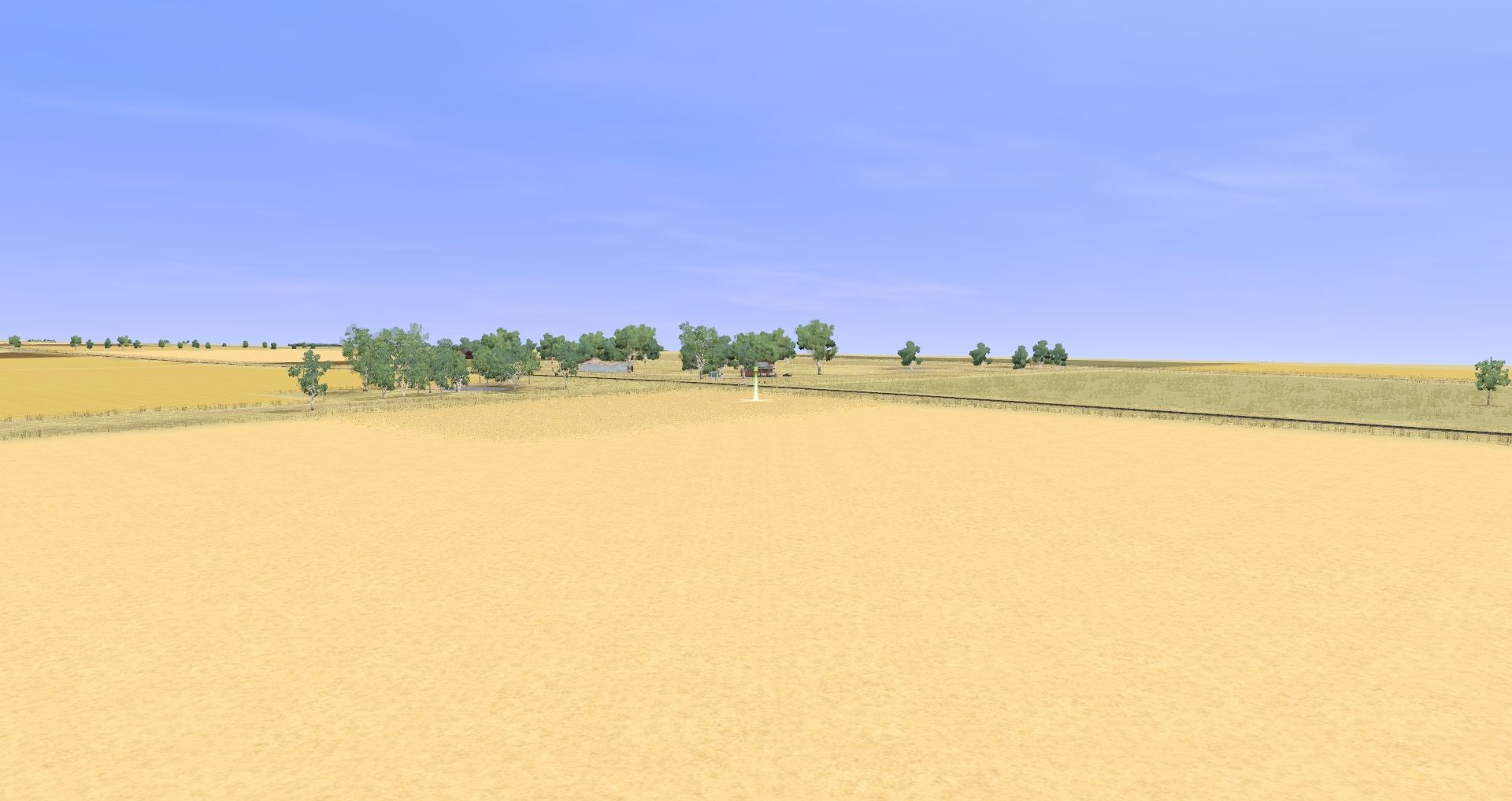
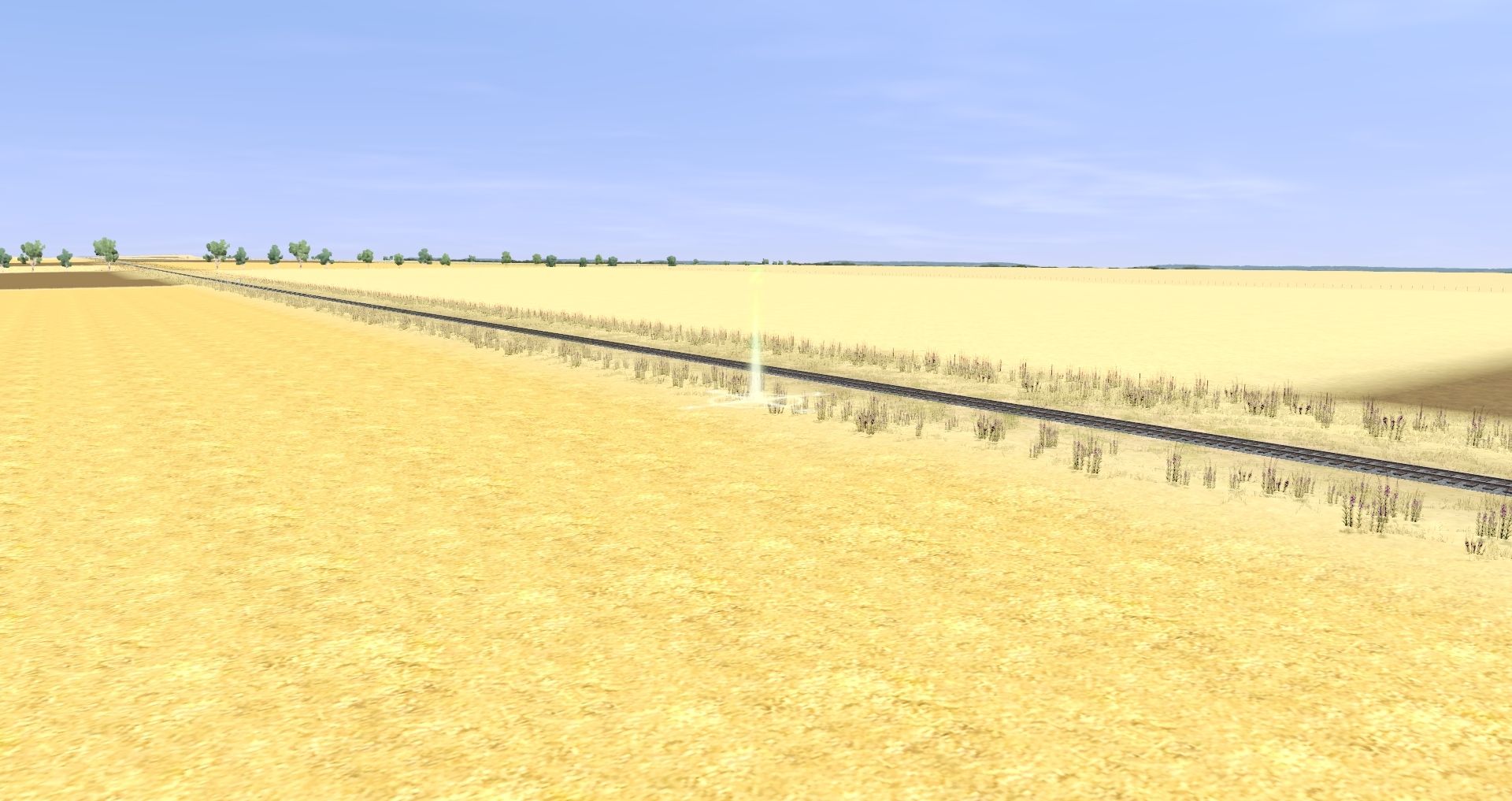
7. It is at this point large sections of the previously applied layers disappear.
8. Move around the area in Surveyor and check the nearby wheat fields (you can leave the 'Effect Layers' window open, 'can out', or just accept the defaults). Note that not all of the TurfFX disappears, but a large proportion does.
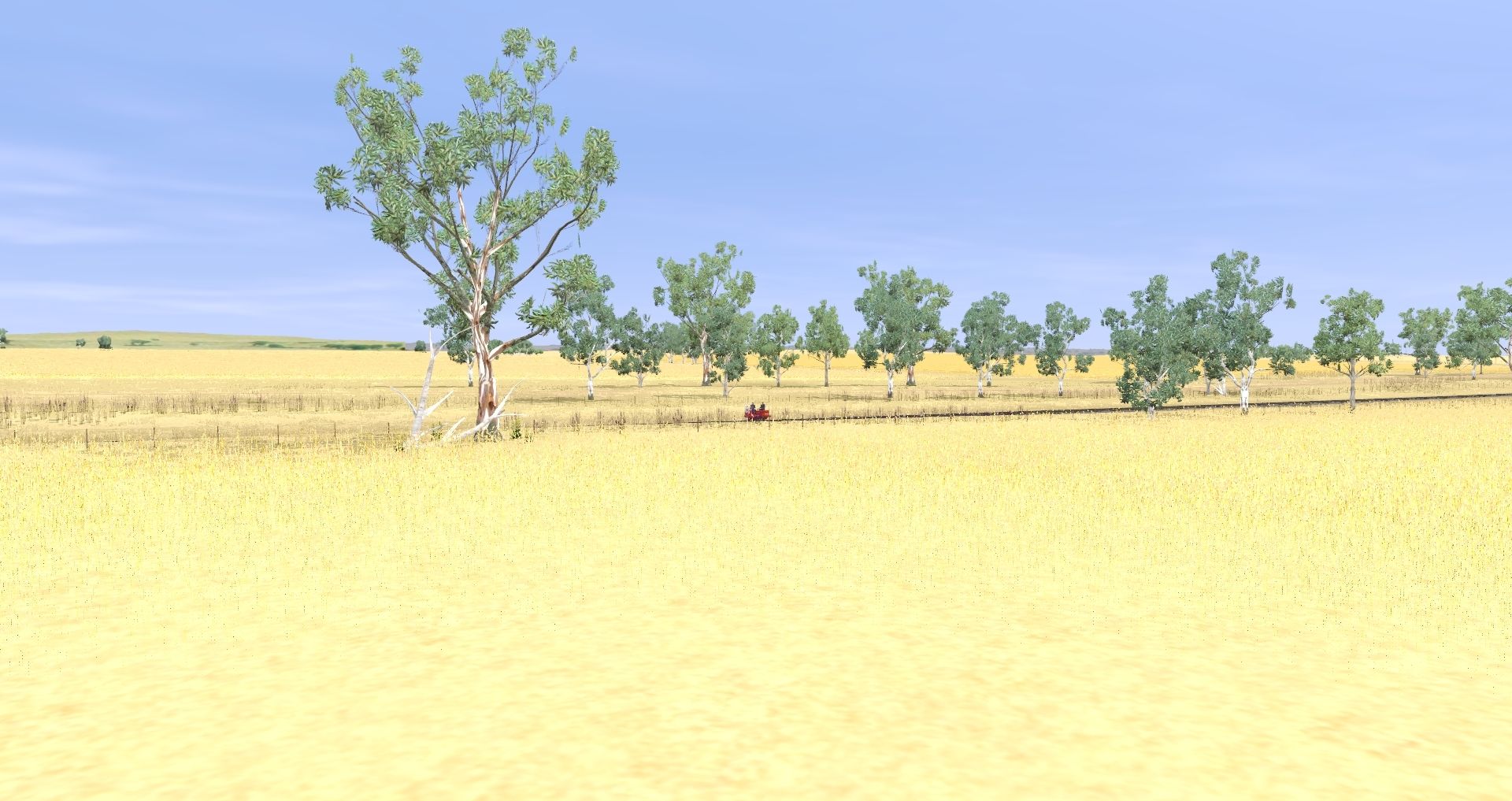
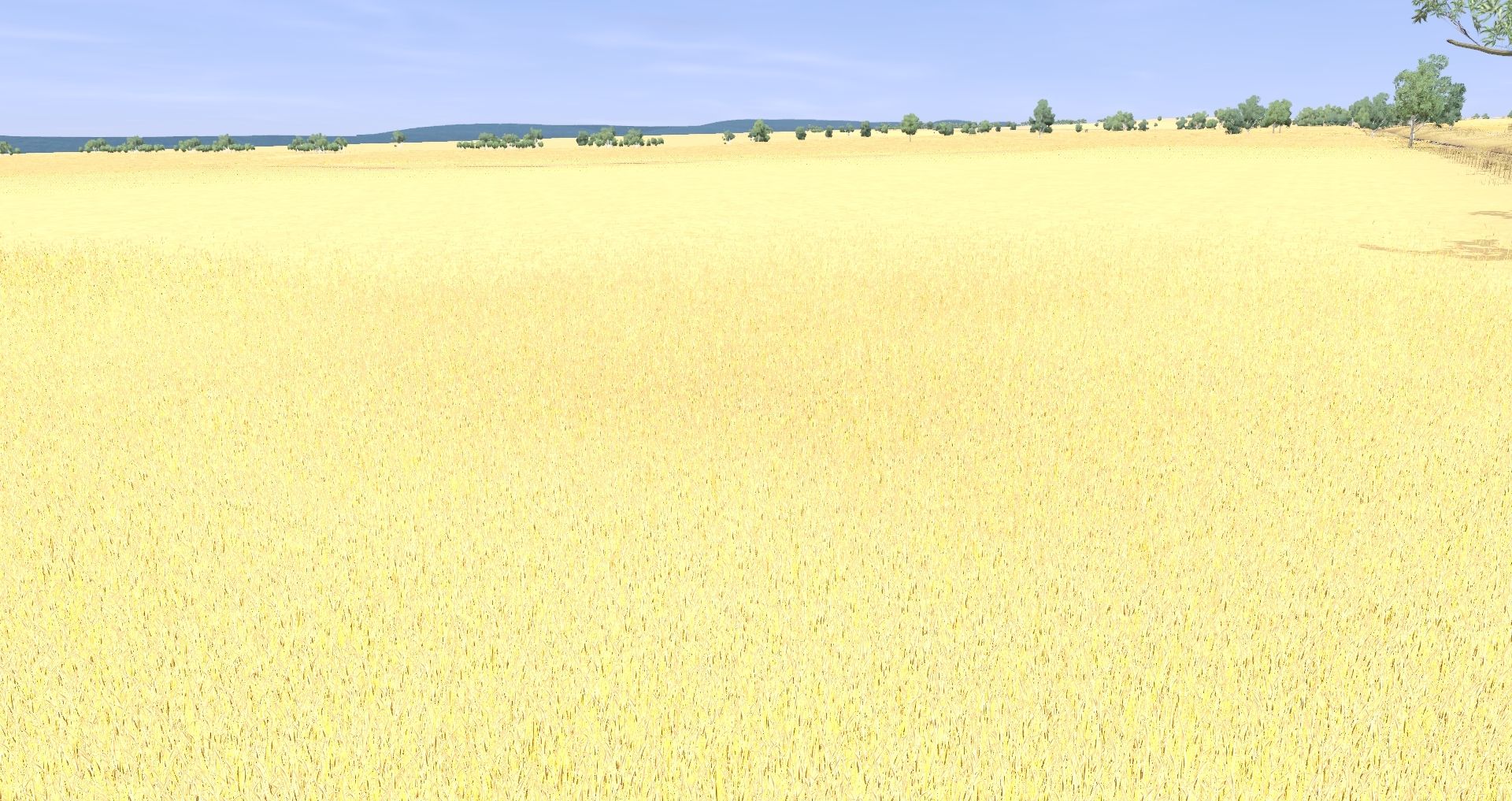
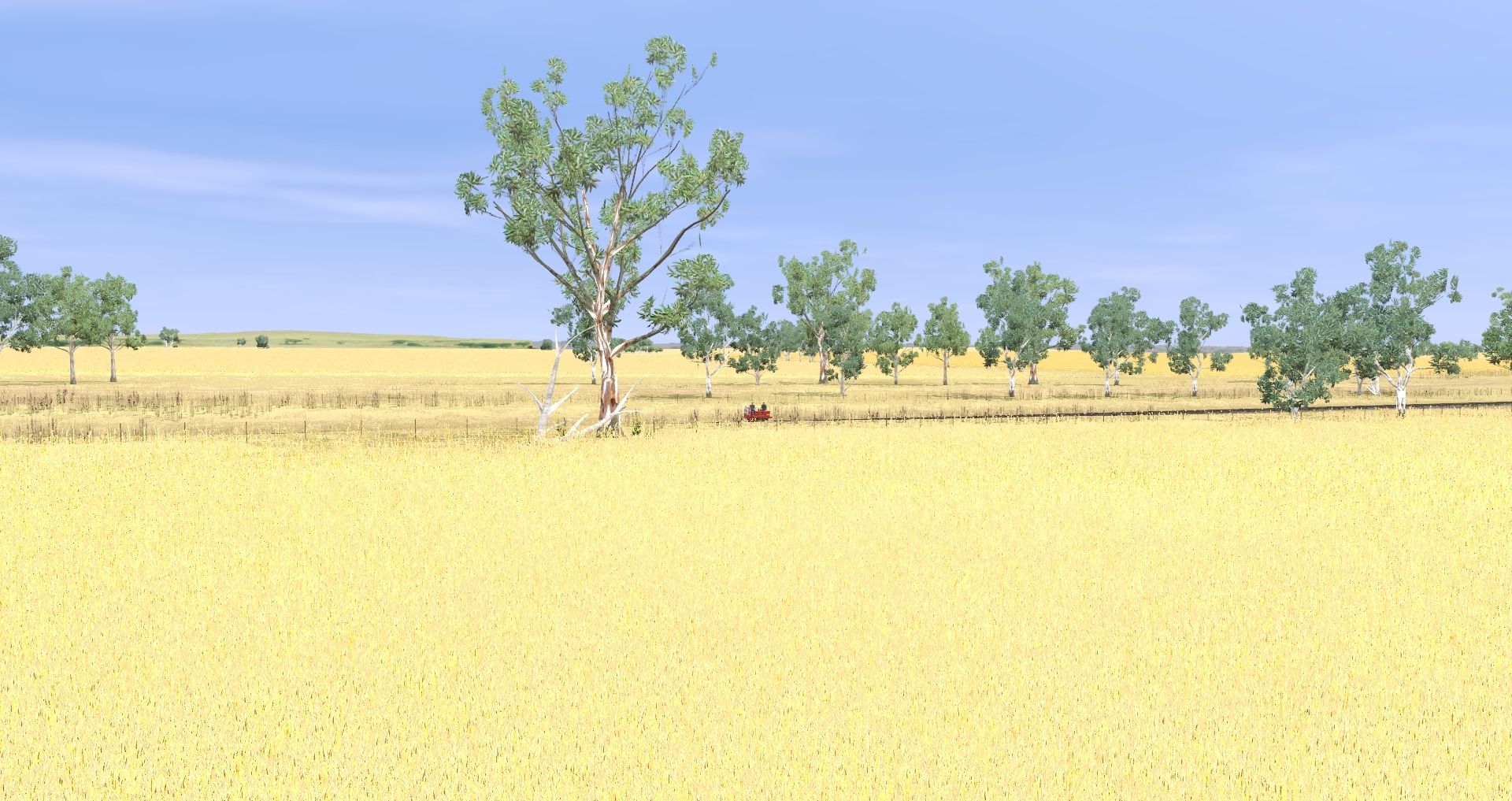
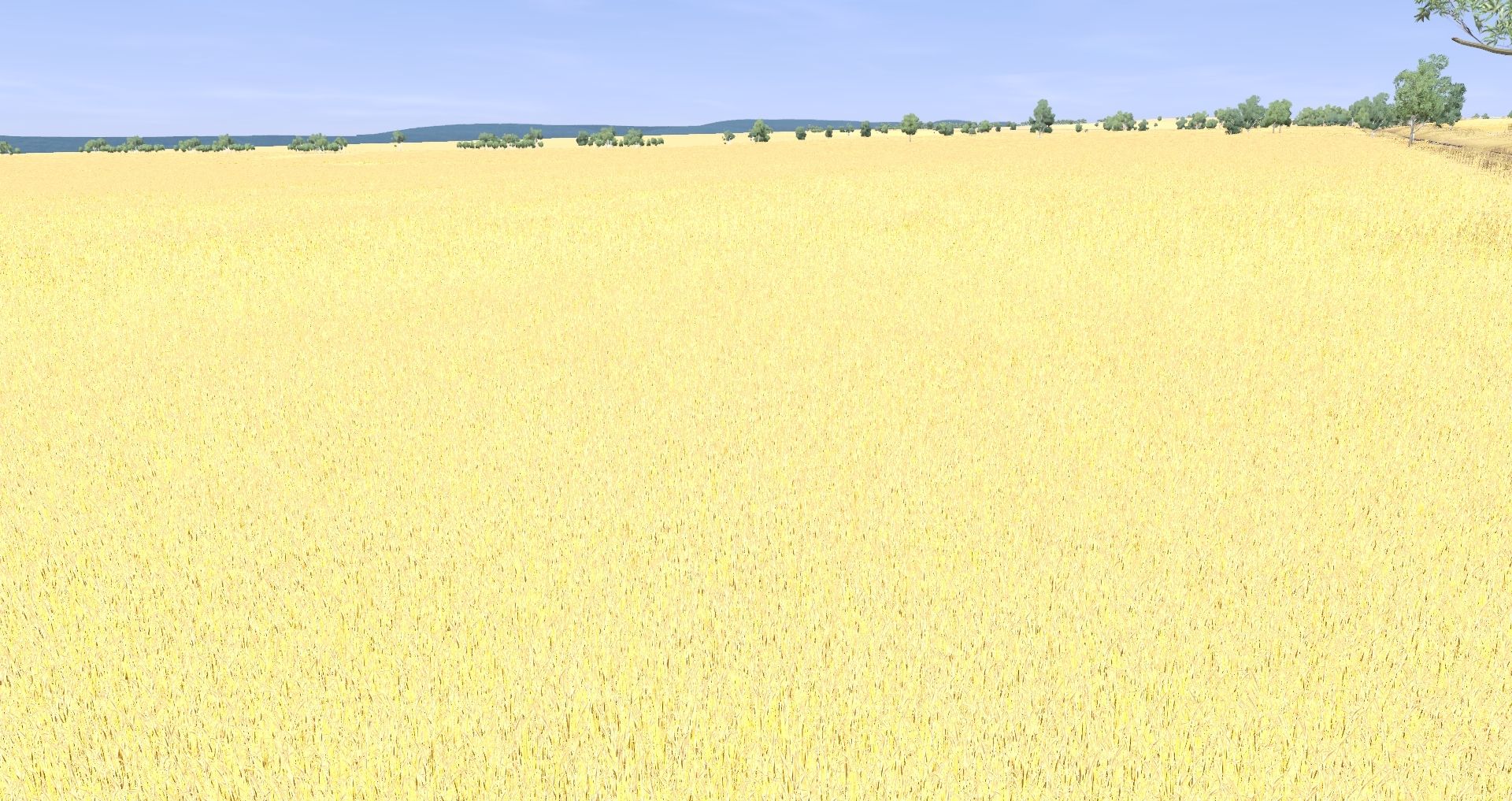
Again, before....
After...
It does NOT appear to be a 'temporary' issue. And 'Undo' does not undo the problem. If I save and reopen the route the effect (or lack of effect) is permanent.
Note:
I have been able to reproduce the issue with 100% consistency. It occurs in both my installations... in build 105096, running on my 8 Gig RAM I5/GTX 1050Ti laptop, and also in build 105100, running on my 16 Gig RAM I7/GTX 1070 desktop. Both machines have all recent Windows 10 and Nvidia patches installed. I run a 'vanilla' TRS2019 config, with only TRS2019 base plus TANE, and WeddinNSW dependency (DLS) assets installed.