Help with laying Track.

Jayco-man

Well-known member
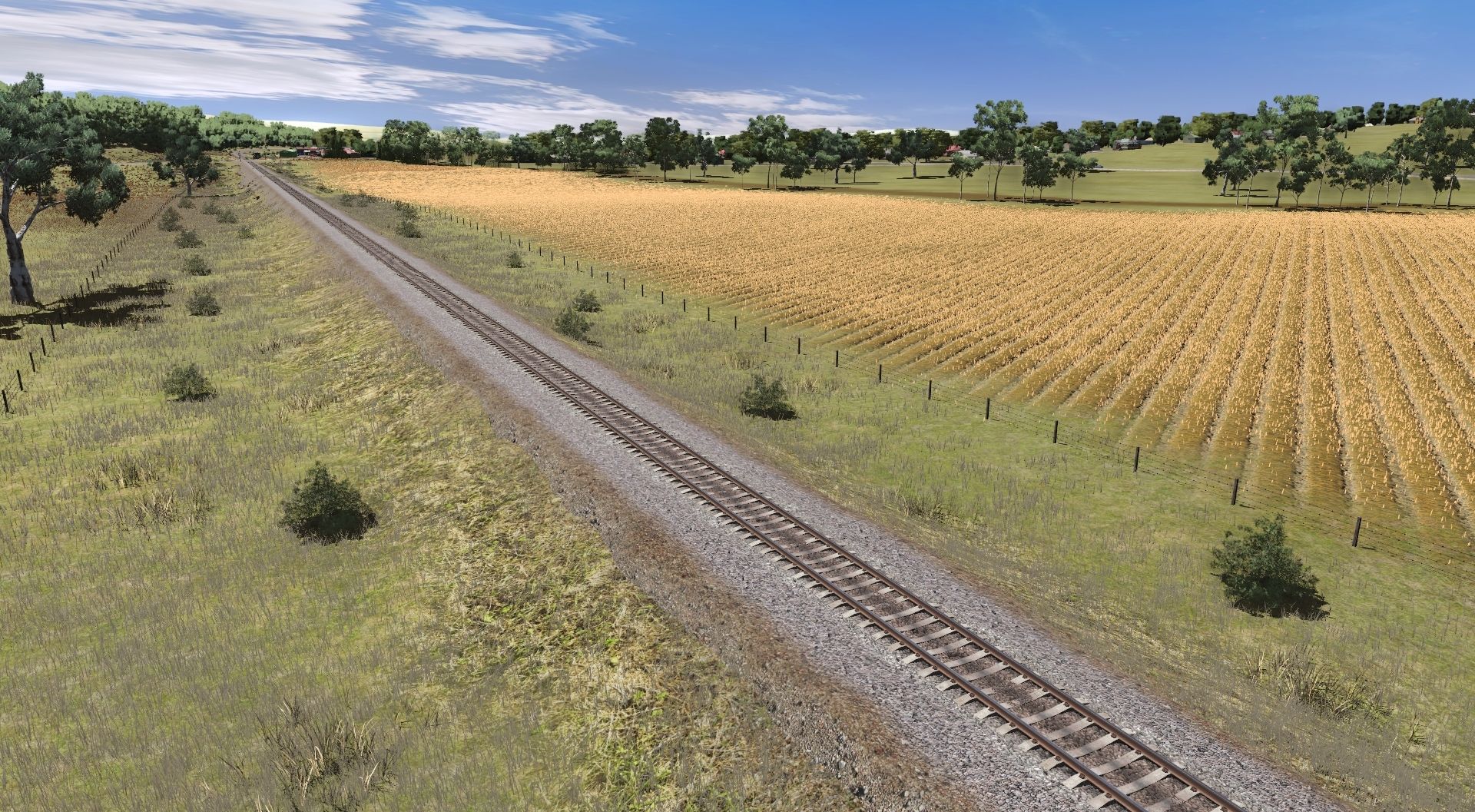
Ok, I'm having trouble and really fighting this and what I'm saying is once I get my height from google earth and set the spline points of the track and them smooth under the track, but it completely covers over the track again and if I move it up back on top then my setting is not right. What is the best way to have my track stay where I put it? Add info. I use google and say if it is a piece of straight than I get the two ends in meters and if the next is a curve, then I get end point of that in meters and so on and so on. hope that helps.
 
Last edited:
What is the best way to have my track stay where I put it?
You do not mention which version of Trainz you are using.

Also are you doing this one track segment at a time? That may explain why "it (the terrain) completely covers over the track again" although I am not exactly certain what you mean. Laying out a sequence of joined track segments with their segment endpoint heights correctly set works best.

If you are using Surveyor 2.0 in Trainz Plus and TRS22PE then the technique that I use is explained in the link below. I usually use track splines but any spline assets can be used.

From the Trainz Wiki at Terrain_Forming_Tips use the steps listed in the second tip.
 
You do not mention which version of Trainz you are using.

Also are you doing this one track segment at a time? That may explain why "it (the terrain) completely covers over the track again" although I am not exactly certain what you mean. Laying out a sequence of joined track segments with their segment endpoint heights correctly set works best.

If you are using Surveyor 2.0 in Trainz Plus and TRS22PE then the technique that I use is explained in the link below. I usually use track splines but any spline assets can be used.

From the Trainz Wiki at Terrain_Forming_Tips use the steps listed in the second tip.
Yeah, I'm bad, using Traniz 2022 2.0 build 132284. Thanks ill check the link and ill add some more info in my post.
 
Back
Top