
Install the app
How to install the app on iOS
Follow along with the video below to see how to install our site as a web app on your home screen.
Note: This feature may not be available in some browsers.
You are using an out of date browser. It may not display this or other websites correctly.
You should upgrade or use an alternative browser.
You should upgrade or use an alternative browser.
GMax and 3DSMax (And any other modeling program) screenies/renders
- Thread starter Mr.Kamikaze
- Start date
IanRailroad
Well-known member
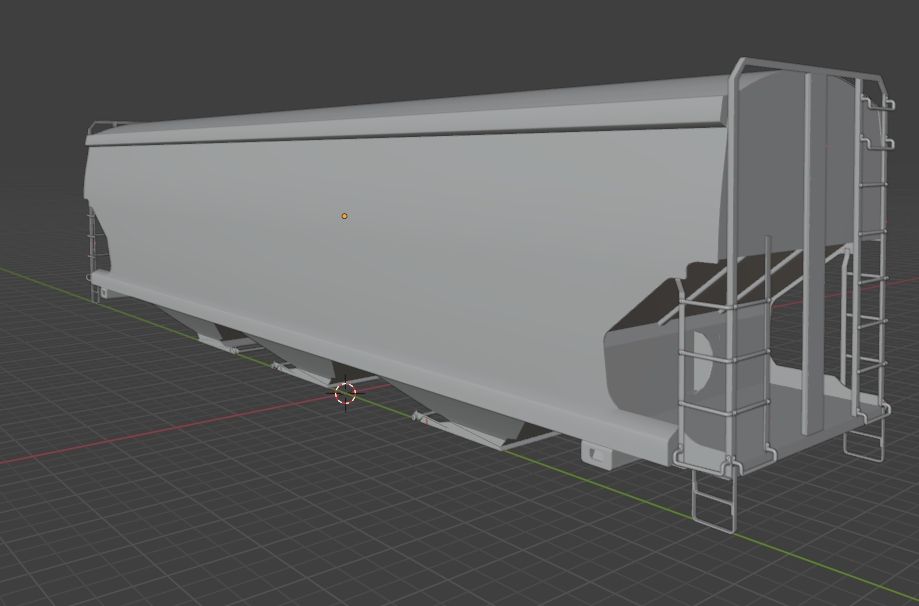
Here's a National Steel Car 5300 cubic feet covered hopper i have been modelling for the past 2 weeks.
wayneshorter1965
The Golden Empire
Some random projects at varying stages of completion


Last edited:
wayneshorter1965
The Golden Empire


Last edited:
wayneshorter1965
The Golden Empire


Last edited:
wayneshorter1965
The Golden Empire


1,000,000 ForumBucks to anyone who names any of the *unmarked locations
*Edit*
Last edited:
wayneshorter1965
The Golden Empire
Few more for good measureSome random projects at varying stages of completion


Last edited:
IanRailroad
Well-known member
UV Mapping complete on the National Steel Car 5300 cu ft hopper!
On to texturing and bogeys...
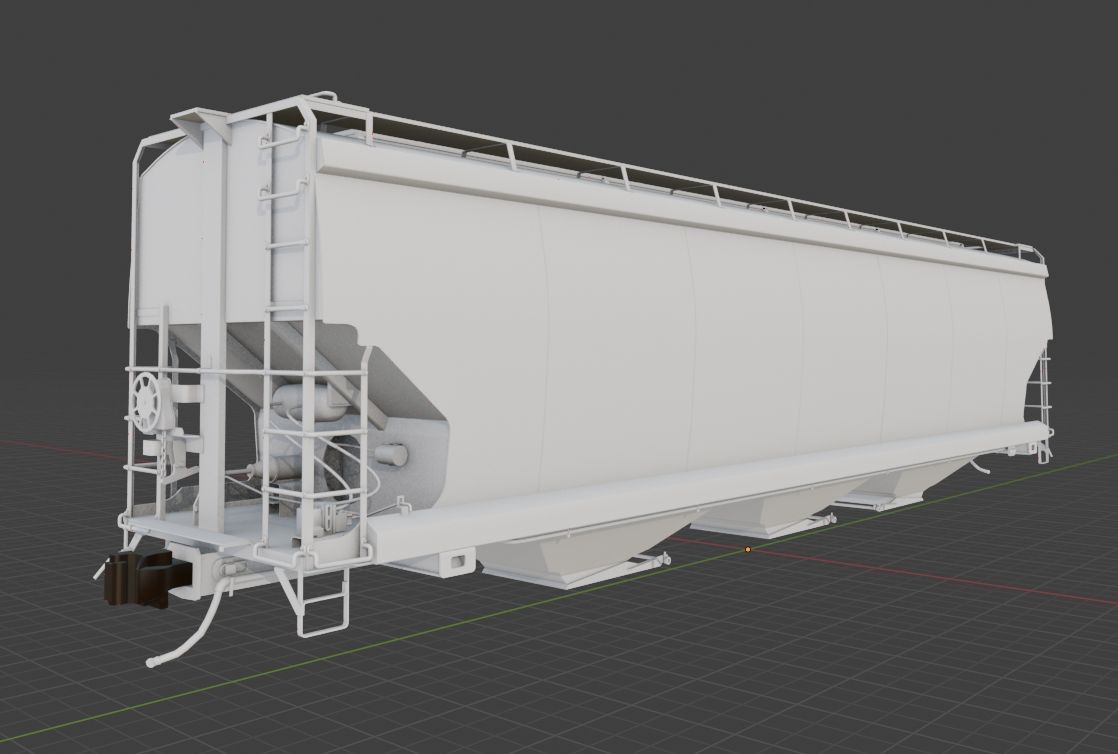
On to texturing and bogeys...
IanRailroad
Well-known member

Model is imported in the game, next week i will try modelling my own bogey asset.
applegathc
NoT tHe StAtUeS!
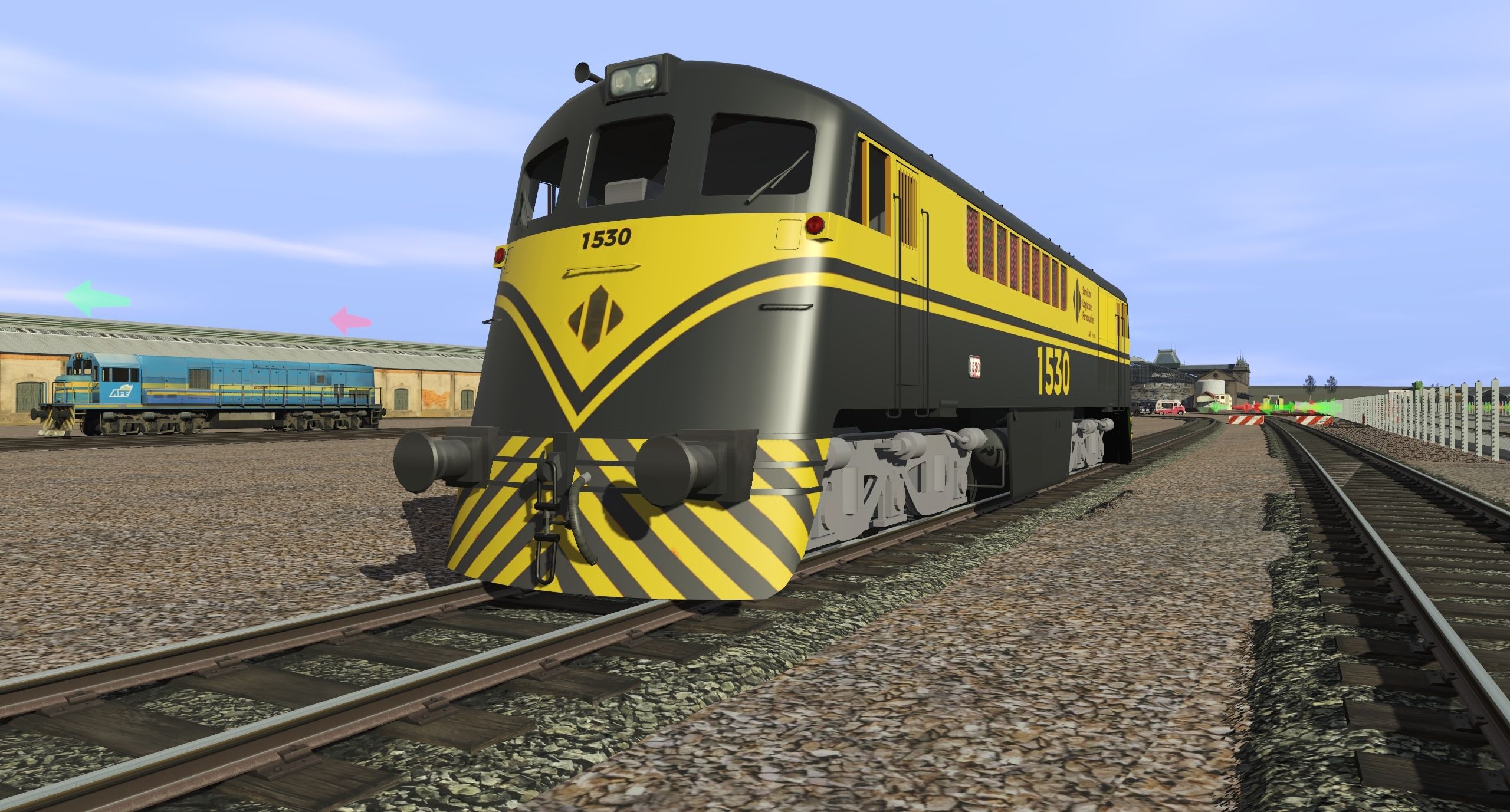
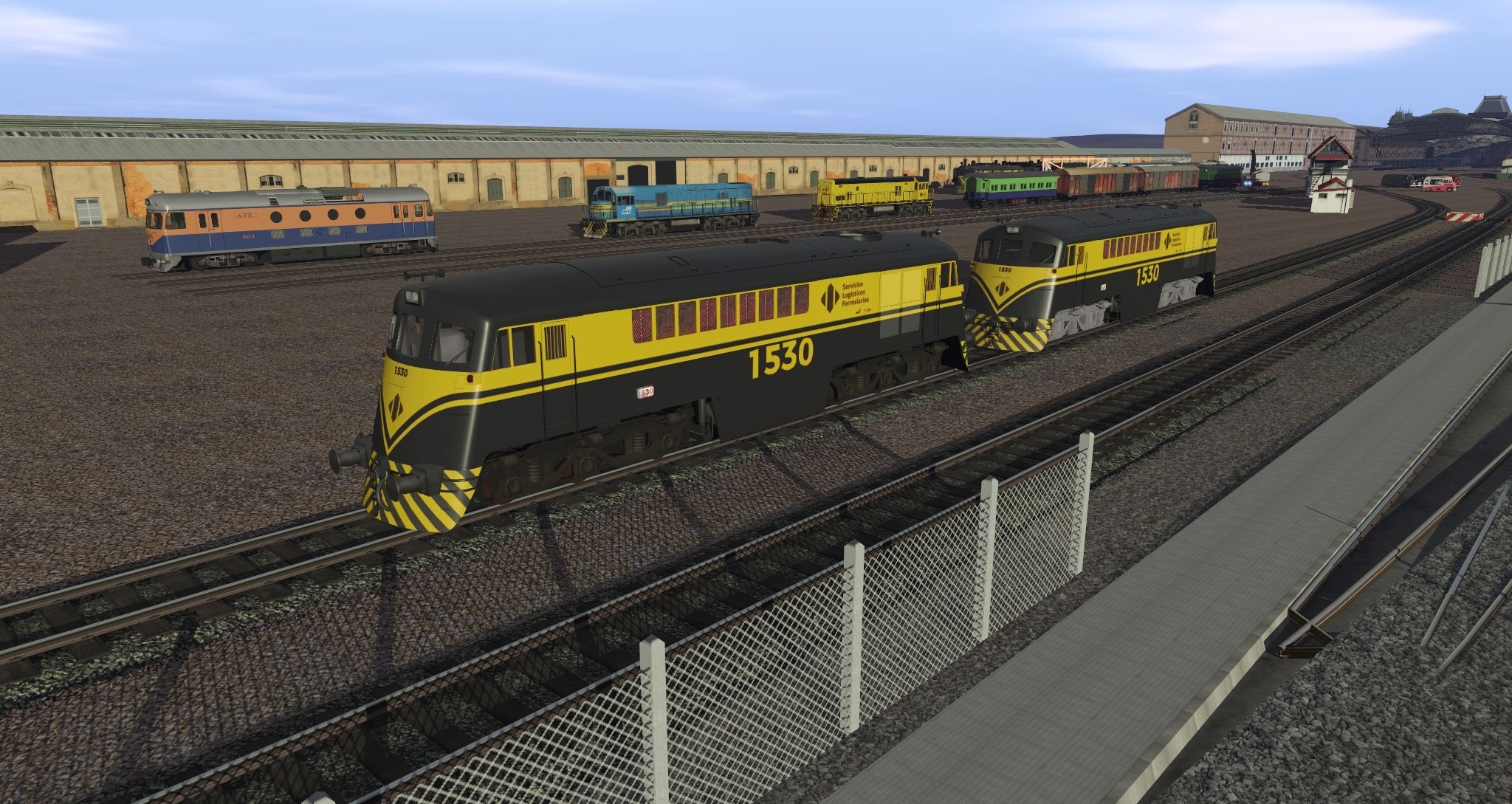
Western Australian GT26C Locomotive

This slaps.
This also slaps.
Model is imported in the game, next week i will try modelling my own bogey asset.
I shared post #16,118 back in April, and how time has flown! On the plus side, I think I am happy with the LOD_O for my new 40ft Container and I have recently learnt to bake from Blender so playing around with texturing now!! There's probably a bit more optimization I could do, and certainly my modelling hasn't been perfect (I know, shame on me as a mechanical engineer!!) There might be a version 2 coming with a neater Mesh etc. All in all, I am very happy with how this is coming together.
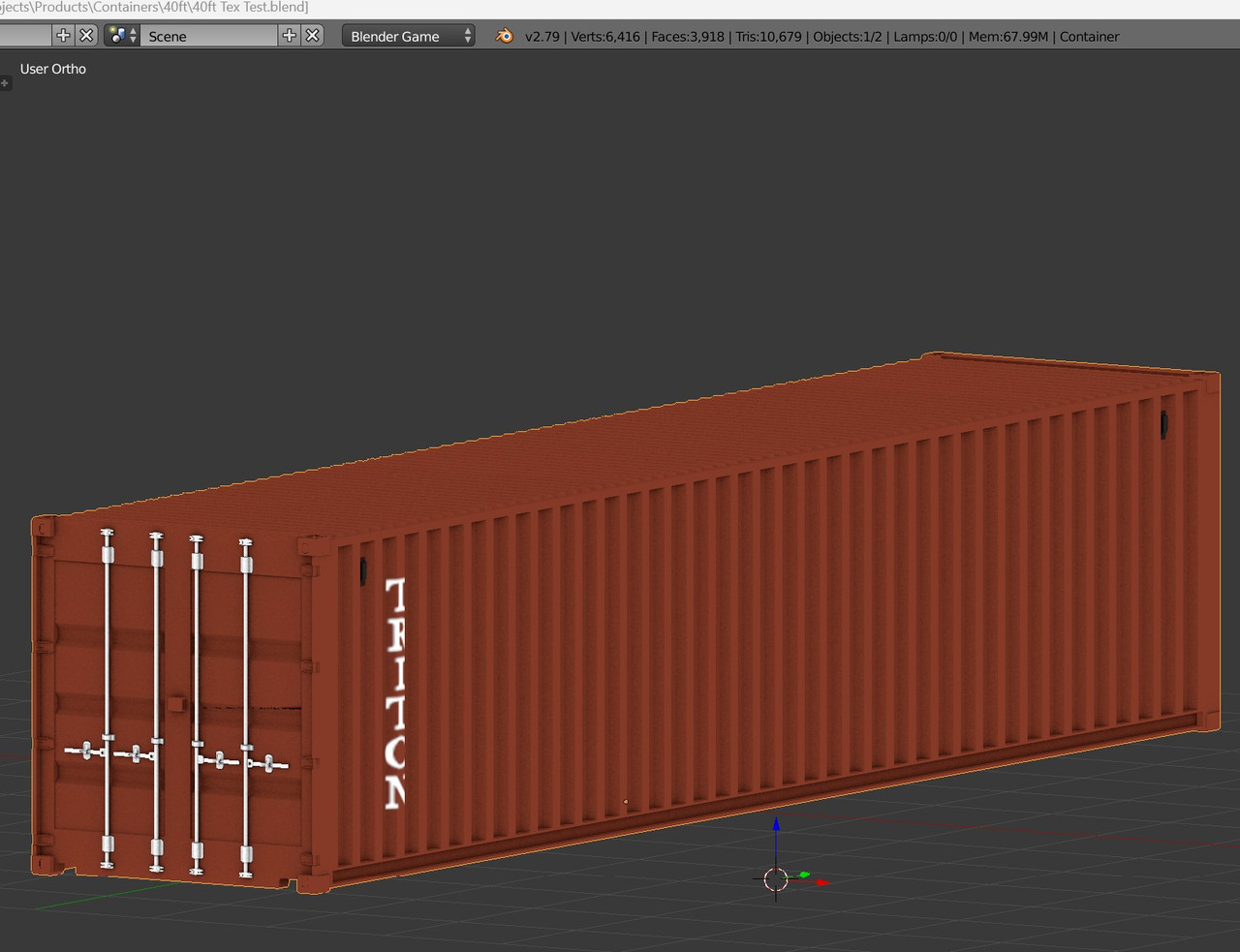
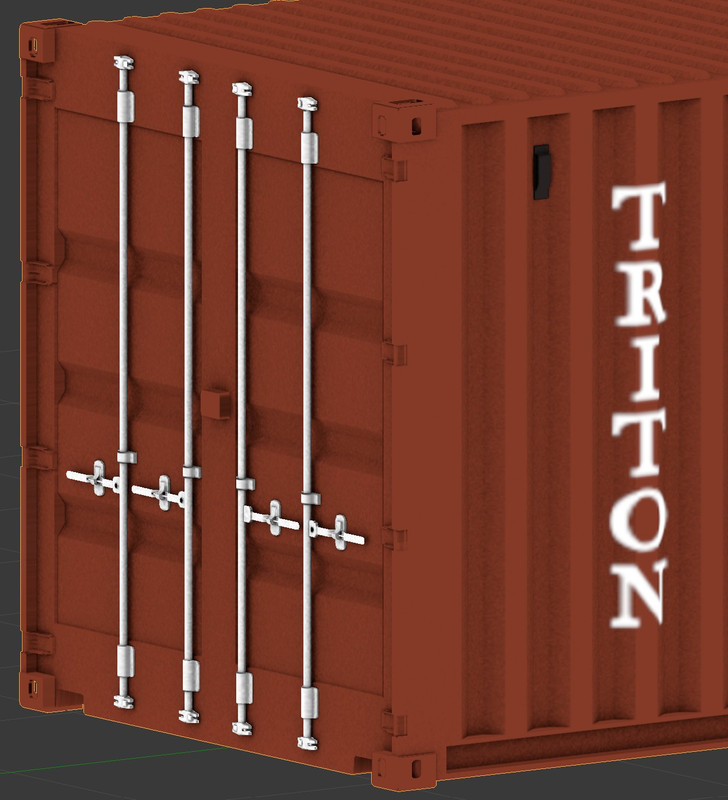
I should have said -I run TRS19, the only containers I can find in game are really quite simple - considering Procedural Tracks are a thing, I figured I'd make high detail containers a thing!!
I should have said -I run TRS19, the only containers I can find in game are really quite simple - considering Procedural Tracks are a thing, I figured I'd make high detail containers a thing!!
Last edited:
Render to Texture is the most efficient way to reduce the amount of materials used for an asset! You can use the maps with the highest possible resolution to map your objects and then bake them to one or more maps to be exported ...I have recently learnt to bake from Blender
I prefer 2048*2048 maps for most of my assets.
Any good video links to follow for this process?? So far I've baked the UV Unwrap and started painting over it in GIMP to get the results above. Mostly happy with the rests but the flat surfaces are uncomfortably flat!Render to Texture is the most efficient way to reduce the amount of materials used for an asset!
 in the up close picture, you can't actually see the front most corner!!
"Render to Texture" applies to Gmax/3DStudio (Gmax doesn't have it) ... in this case, it uses Blender 2.79 - I'd suggest trying the new interface from version 2.8 onwards, you won't regret it.
You can use multiple materials and "bake" them into a single material ... look up some information about "Bake to Texture."
The concept, as I understand it, is the same.
Look here :
You can use multiple materials and "bake" them into a single material ... look up some information about "Bake to Texture."
The concept, as I understand it, is the same.
Look here :
Ill take a watch! Thanks so much!!This apply Blender 2.79 :

Similar threads
- Replies
- 0
- Views
- 15K
- Replies
- 22
- Views
- 10K